01
Pick a category
Start with what you need to check: an image, a form photo, a web page, a file, a DNS record, or a piece of text.
- Choose by task
- Use the tools directory
Free online checker tools
The right check before you upload, submit, publish, or ship. CheckToolkit puts the most useful online checkers in one place.
Quick checks for the moment before files, forms, pages and deliverables go out.
Pick the category that fits your current task — whether it's an image, a form photo, or a web page going live.
Before you upload to Instagram, Shopify, or anywhere else — confirm the dimensions, file size, aspect ratio, and metadata are actually right.
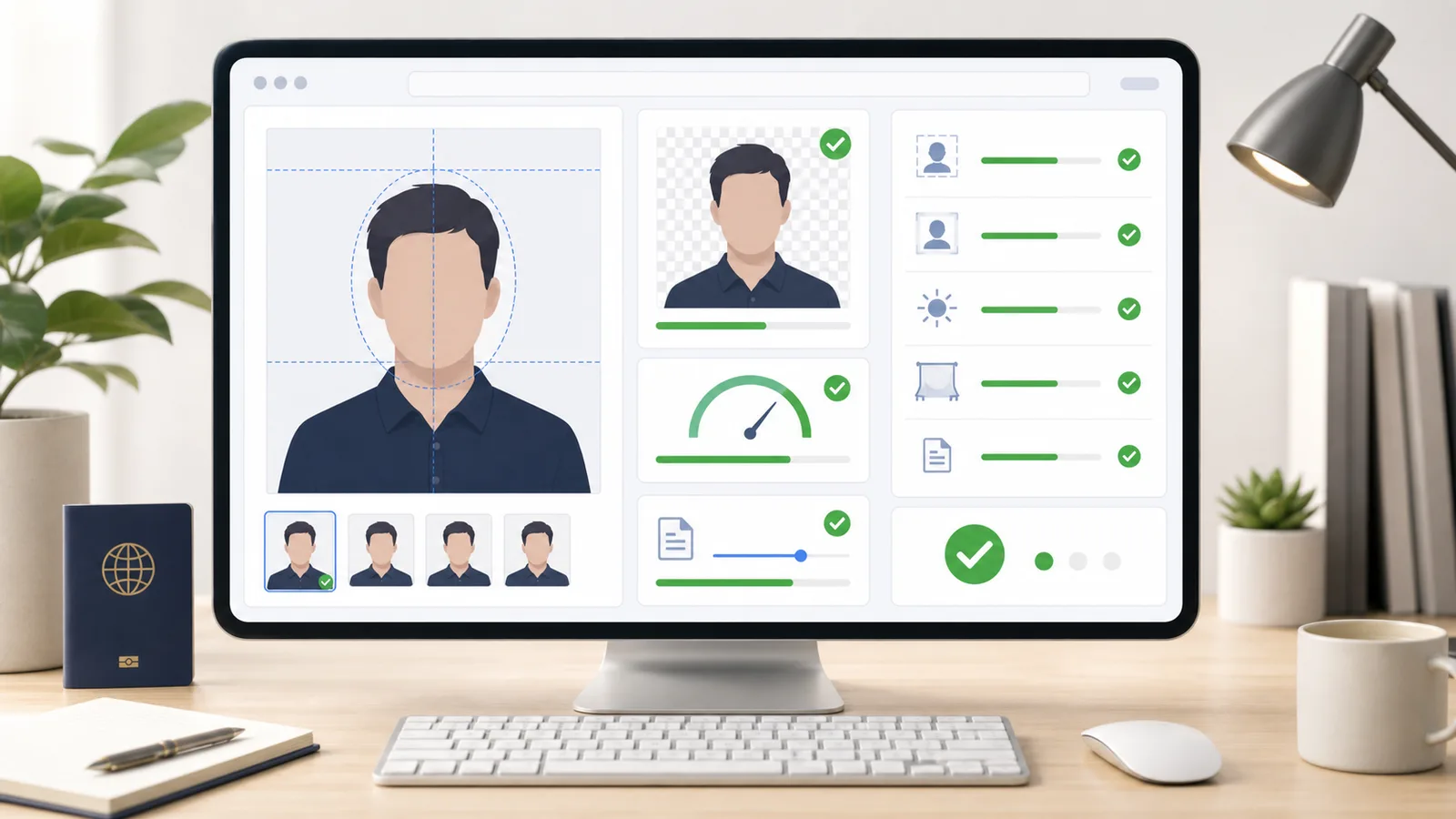
Document photos have strict rules that vary by country and application type. Check crop, background, file size, and compliance before you print or submit.
Titles, meta descriptions, og:image, canonical tags — the details that affect how your page looks in search results and link previews. Check before you go live.
AI troubleshooting
Work through error 1155, failed messages and file uploads. Record what you tested and find your next step.
Pick a category. Open a checker. Put in your URL, file, or text. Get a result you can actually do something with.
Start with what you need to check: an image, a form photo, a web page, a file, a DNS record, or a piece of text.
Use the tool that matches the task, then upload a file, paste a URL, or enter the text it asks for.
Review the status, important details, and next step so you can fix it, submit it, export it, or move on.
The useful result is the one that helps you decide what to do next.
Open toolsEach checker gives you a clear pass or fail, the details that matter, and a practical next step — not just raw data to figure out yourself.
See whether the input is ready, needs review, or needs a fix.
Dimensions, file size, metadata, tags, records, or fields are highlighted when they affect the result.
The result should help you decide what to resize, rewrite, remove, retry, or submit.
When a check can run locally, CheckToolkit keeps the workflow in your browser.
Find checkers for images, files, pages, DNS records, text, and more without bouncing between one-off sites.
New checkers will be added around common tasks people need to verify before sending work out.
Use CheckToolkit before uploads, submissions, launches, or handoffs, when one quick check can prevent rework.
Not sure about image dimensions, aspect ratio, or file size? Check once before the platform reports an error.
UploadDocument photos and application attachments often have format rules. Check against them before files get rejected.
SubmissionUnsure about page titles, OG tags, or meta information? Confirm the key details one last time before publishing.
LaunchBefore a client or team sees it, run through the key details quickly and avoid basic mistakes.
HandoffPractical answers about CheckToolkit results, privacy, and tool coverage.
Use it before uploading images, submitting files, publishing web pages, or handing off content to quickly confirm dimensions, formats, metadata, tags, or other key requirements and reduce rework.
The tools that are live today are free to use and do not require an account. If more advanced features are added later, we will try to keep the core checking capabilities free.
Checks that can run locally in your browser are handled locally first, such as image dimensions, file size, and some metadata checks. Each tool page will explain whether it needs network processing.
No. CheckToolkit helps you spot common issues earlier, but official requirements from platforms, schools, visa centers, or clients remain the final standard.
This site only lists tools that can already produce useful results. New tools will go live around real use cases over time instead of filling the directory with empty placeholders.
Free online checker tools for images, files, web pages, DNS records, and more — all in one place.
Pick the tool that matches what you are about to send, submit or publish.