Article
Gemini Error 1155: Troubleshoot “Something Went Wrong”
Work through Gemini error 1155 with a guided checklist, browser and account comparisons, a local attachment precheck, and a report you can keep.
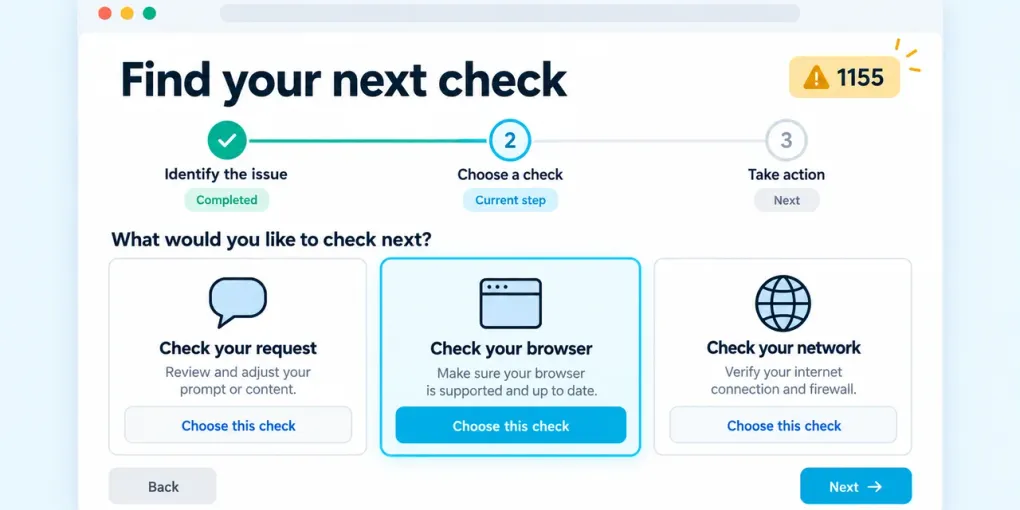
If Gemini shows “Something went wrong (1155)”, start with a short prompt in a new conversation. If that works, keep the original chat and compare what changed. If it fails, try the same account and prompt in another browser. These comparisons help you choose your next check without repeatedly clearing data or deleting work.
The number alone does not establish whether the problem is your browser, account, connection, attachment or Google’s service. This guide separates what you observed from what remains possible. It is independent guidance from CheckToolkit, not a Google error-code definition or a live outage monitor.
What is known about Gemini error 1155?
The Gemini Apps community discussion includes reports dating to June 2026. Contributors describe different circumstances; some mention VPN use, while others report the error without one. Suggested fixes in that discussion are community experience, not a confirmed explanation that applies to every account.
We have not verified an official definition that assigns 1155 one specific cause. A generic checklist that promises “clear cookies and it is fixed” is therefore too certain. Record which comparisons succeed and which fail instead. Reference material for this guide was reviewed on October 12, 2026; this date does not imply an active incident.
Run the 1155 troubleshooting checklist
The tool below starts in the 1155 scenario. Carry out each test in Gemini, then record the result here. Choose Cannot test / not sure whenever a comparison is unavailable. You can return to the previous check, continue after a reload, or copy a report. Nothing here signs in to your Google account.
CheckToolkit
Start the Gemini Error Checker
Choose what went wrong. The guide uses tests you carry out in Gemini; it cannot access your account or verify a Google outage.
Gemini Error Checker sources and limits
Independent CheckToolkit tool, not affiliated with Google. Suggestions are a troubleshooting method, not an official definition of an error code.
Reference rules checked: October 12, 2026
- Google Help: file uploads and limits ↗
- Community reports: Something went wrong (1155) ↗
- Google Help: send feedback ↗
Google’s feedback flow can include the associated conversation. Review the content before submitting.
For a different symptom, open the full Gemini Error Checker. The same workflow includes failed text messages and file-upload problems.
How to interpret each comparison
| Your observation | What to investigate next | What it does not prove |
|---|---|---|
| A short prompt works in a new conversation | Original conversation, context or attached content | That you must delete the old chat |
| The same account works in another browser | Original browser profile, session, app or extensions | Which individual setting caused the error |
| Another eligible account works in the same setup | Account access, plan or organization differences | That your account is banned |
| The same account works on a trusted alternate connection | Original network path; repeat the comparison once | That disabling security protections will fix it |
| All available comparisons fail | An unresolved issue that merits a dated report and later retry | A confirmed Google outage |
Keep the model, prompt and other variables the same where possible. Use a harmless test such as “Reply with OK” rather than resending a sensitive document. If you cannot access another eligible account or connection, skip that check; there is no need to create accounts or change access restrictions.
Does 1155 appear only after adding a file?
First test a short text-only prompt. If text works, choose the upload-failure scenario. The local precheck can measure file sizes and flag some extension/header mismatches. A file can pass these checks and still fail because its contents, format, account allowance or analysis request need attention.
Compare your upload with Google’s current file guidance. It distinguishes ordinary attachments, video size, media duration, ZIP contents and code imports. The checker presents these separately; it does not apply a single generic email attachment limit to Gemini.
Media duration in this checker is entered by you, not measured. ZIP contents are not inspected, and an unfamiliar header is marked unverified rather than rejected as unsupported. For other upload destinations, the File Attachment Checker provides general attachment presets.
Before clearing data or changing settings
Save unsent text and keep any original conversation you need. Start with a fresh conversation or another browser because these comparisons leave the original data in place. If another browser works and you later choose to clear site data, target Gemini’s site data rather than your entire browsing history; expect to sign in again.
On a managed device or network, use only tests your administrator permits. Do not bypass regional access requirements. If a test would require changing security protections, mark it unavailable and retain that uncertainty in your report.
What to include when the issue continues
Keep a short record with the exact error, approximate time and timezone, Gemini model, web or mobile app, and whether the trigger involved a file. Add the successful and failed comparisons. A report is most useful when another person can reproduce a minimal example; avoid including account credentials, private prompts or unnecessary documents.
Use Google’s instructions for reporting a Gemini problem. The feedback flow may include the associated conversation, so review what you submit. CheckToolkit’s report excludes filenames and file contents, and its scenario link shares only the starting scenario.
Common questions about Gemini 1155
Is this a new error or a current outage?
The cited community discussion predates this guide. A recent search spike or an old forum thread does not establish today’s service status. This page does not run live outage checks.
Will upgrading my plan fix 1155?
An error code alone does not establish that a plan limit is responsible. Look for an explicit quota message in Gemini and consult the applicable help page before making that decision.
Can this tool fix Gemini automatically?
It provides guided comparisons, local file checks and a reusable report. It cannot change Google account settings, repair a remote service or guarantee that a retry will work.
Do I need to delete the conversation?
No part of this workflow requires deleting it. Keep the original and test a new chat first. If a separate storage warning appears, review Google’s instructions for that warning before removing anything.