Social image fit
Compare one uploaded image against Instagram, YouTube, Open Graph, LinkedIn and Meta feed ad checks.
Free image checker
Upload an image to see whether it fits common publishing requirements for Instagram, YouTube thumbnails, Open Graph previews, LinkedIn sharing and Meta image ads. The tool also shows DPI, print-size estimates and metadata privacy warnings.
Browser-side checker
Choose a JPG, PNG, WebP, GIF or other image file. The tool reads the file locally, then compares the result with social media, SEO, DPI and metadata checks.
Your original image stays in your browser for this check. The share link only keeps dimensions, format, file size and fit results.
Results will appear here
Upload an image or try a sample size to see dimensions, aspect ratio, platform fit, DPI, print-size estimates and metadata warnings.
The tool checks the numbers first, then explains what they mean for publishing.
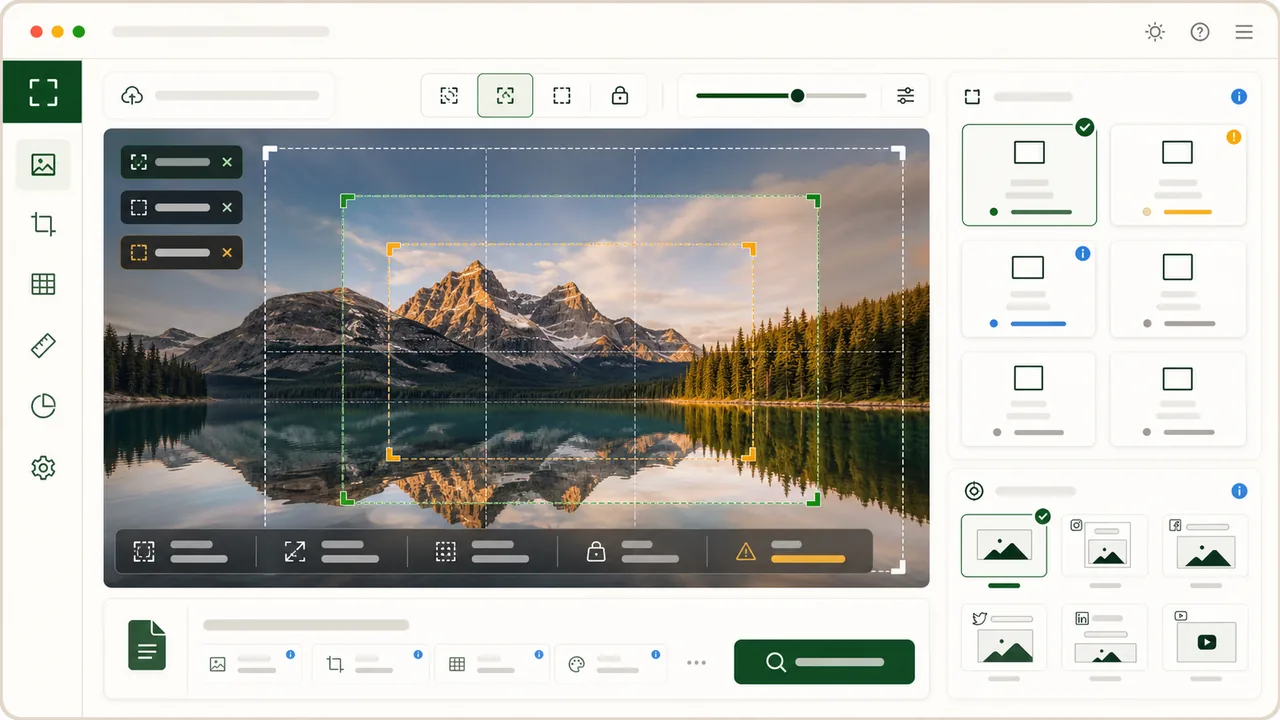
Pixel width, height and ratio are checked first because they are the main reasons images get cropped, blurred or rejected after upload.
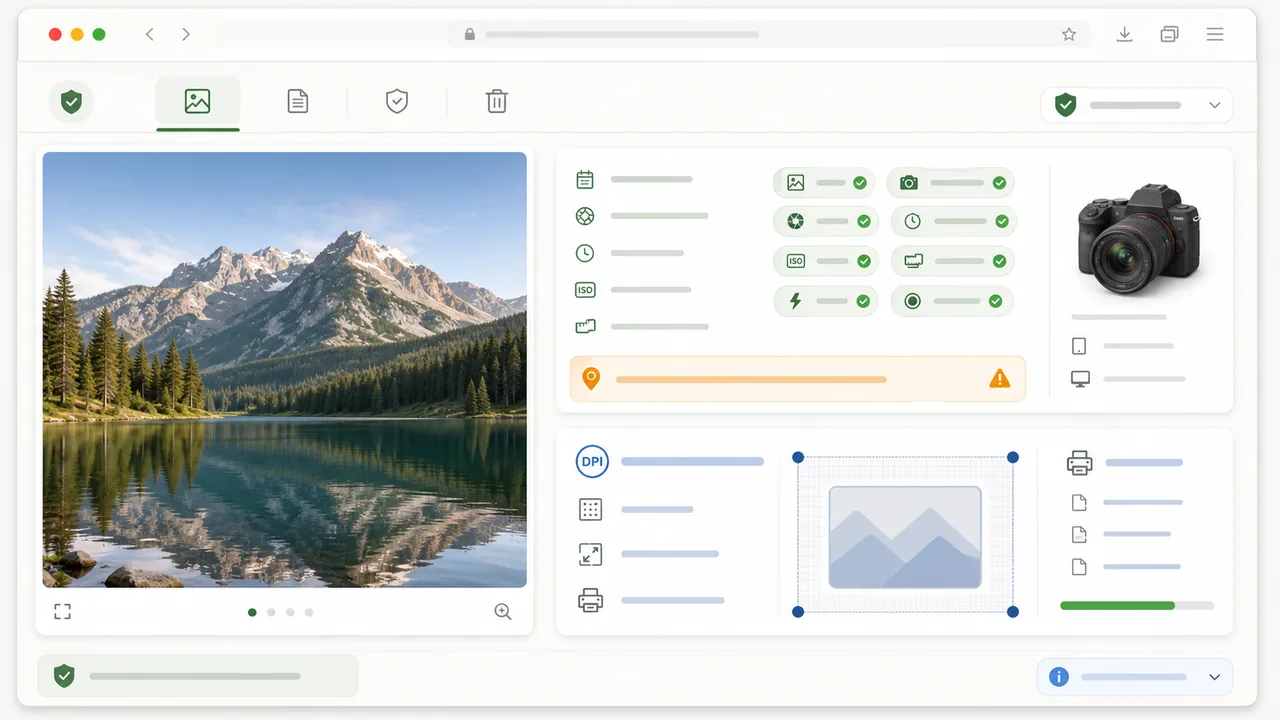
The same upload also checks embedded DPI for print estimates and flags common metadata such as GPS, camera model, dates, author fields and editing software.
After the file checks, the Image Checker groups pass, warning and fail results by publishing use case so you can copy a report or share a lightweight result link.
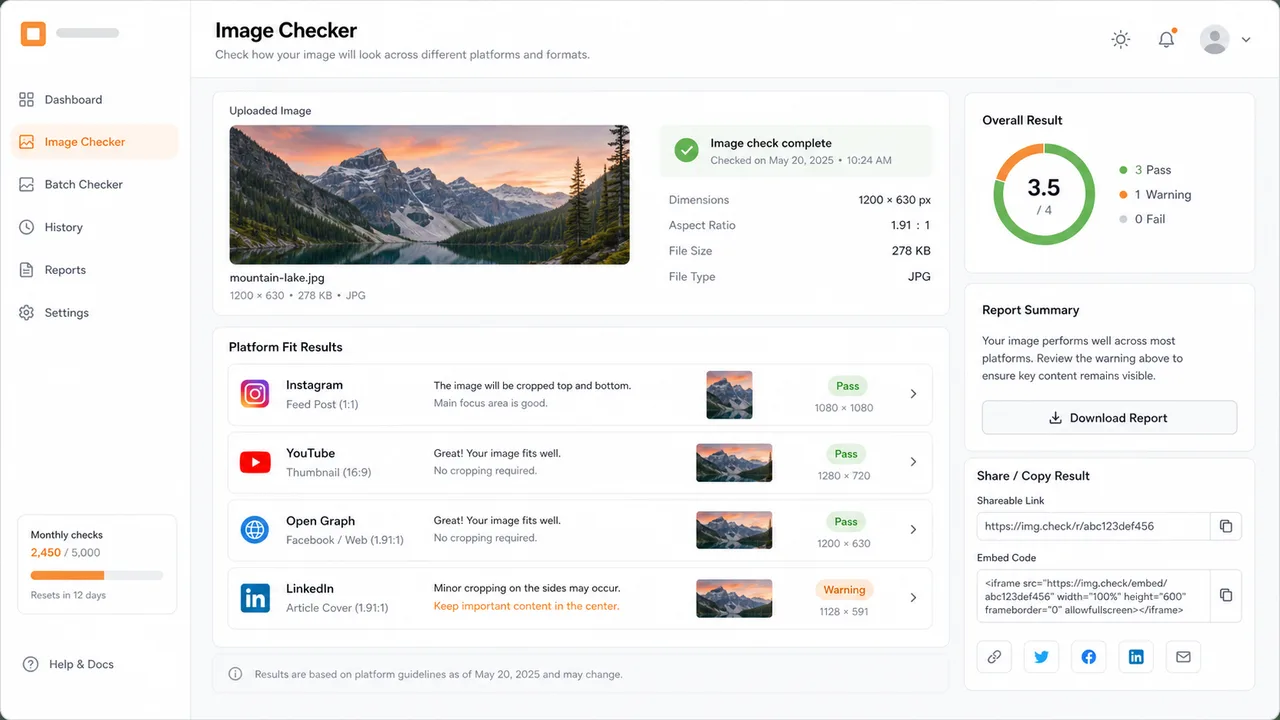
Each result is written for the person who needs to fix the image, not just record a number.
Compare one uploaded image against Instagram, YouTube, Open Graph, LinkedIn and Meta feed ad checks.
See exact dimensions, simplified aspect ratio and practical warnings when the crop does not match a placement.
Read embedded DPI when available and estimate print size when a file has no DPI metadata.
Flag GPS, camera, date, software, author and copyright metadata before you send an image.
Share dimensions, format and fit results without sharing the original image file.
Copy a plain report for client handoff, QA notes or your own publishing checklist.
Use this flow when you are preparing social images, blog share graphics, ads or client deliverables.
Start with the actual file you plan to publish. The tool reads dimensions, format, file size, DPI and common metadata flags in one pass.
Look for the placements that pass first, then scan warnings for crop, file-size and recommended-size gaps before resizing.
A warning can still be usable if the platform accepts the file, but it tells you where quality or crop risk remains.
Export a corrected image from your design tool, upload again, and copy the report when the result is ready for your workflow.
Keep important text and faces away from edges because some platforms crop previews differently in comments, feeds and mobile surfaces.
Read image guidePractical answers about checking image size, aspect ratio, social media fit, DPI and metadata before publishing.
This Image Checker reads image dimensions, aspect ratio, file size, format, DPI or PPI, common metadata flags and fit against common social media and SEO image requirements.
Yes. It works as an image size checker by showing the exact pixel width and height, file size and simplified aspect ratio, then explaining whether the image is large enough for common publishing placements.
It compares your image with common requirements for Instagram feed photos, Instagram Reel covers, YouTube thumbnails, Open Graph previews, LinkedIn sharing images and Meta feed image ads. Platform rules can change, so use official requirements for final business-critical uploads.
No. The original image is read in your browser for this check. Share links can keep dimensions, format, file size and fit results, but they do not include the original image file.
When the browser can read the metadata, the tool flags common EXIF, IPTC or XMP fields such as GPS location, camera or device model, original date, editing software, author and copyright information.
A warning usually means the image may still work, but a larger export, different crop, better aspect ratio or smaller file size would be safer. It helps you fix quality, crop and upload-limit risks before publishing.
Use this tool whenever you prepare social media graphics, Open Graph images, ads, thumbnails or client files.
Then copy the report or share a result link without exposing the original image.
Free image checker for dimensions, aspect ratio, DPI, metadata and publishing fit.