Error 1155 entry point
Start with the reported symptom, then test what still works. No unsupported promise that 1155 always has one cause.
Independent troubleshooting · No sign-in
Use the Gemini Error Checker for error 1155, “Something went wrong”, failed messages and file uploads. Compare results, inspect attachments locally, and find a practical next step.
CheckToolkit
Choose what went wrong. The guide uses tests you carry out in Gemini; it cannot access your account or verify a Google outage.
Independent CheckToolkit tool, not affiliated with Google. Suggestions are a troubleshooting method, not an official definition of an error code.
Reference rules checked: October 12, 2026
Google’s feedback flow can include the associated conversation. Review the content before submitting.
Read the Gemini 1155 guide →A focused workflow from the symptom to a useful record. Illustrations show example checks, not live service results.
The Gemini Error Checker asks for simple comparisons. A successful new conversation, browser or account changes the next step; an untested step stays unknown.
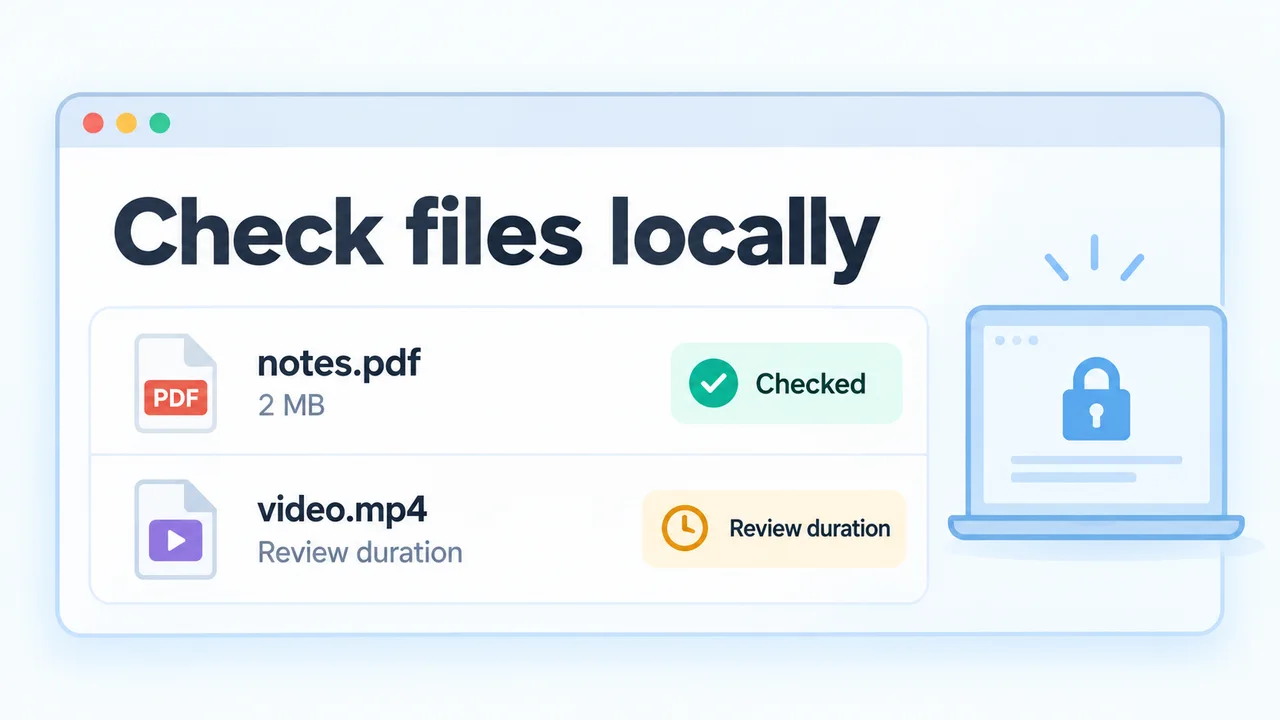
The Gemini Error Checker measures file sizes locally and flags familiar header mismatches. It keeps media duration, archive contents and account restrictions visible as separate checks.
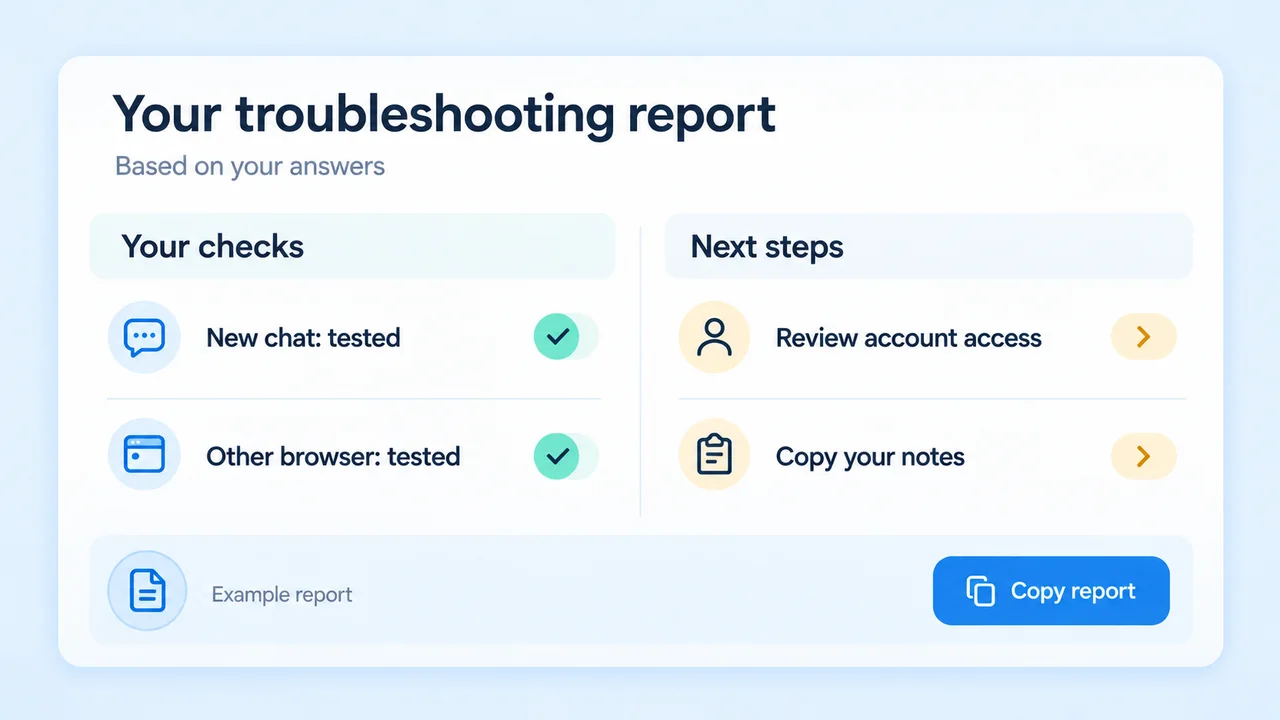
The Gemini Error Checker collects your answers and next actions into a report. Copy or download it without including filenames, file contents or Google account details.
Useful checks with clear boundaries.
Start with the reported symptom, then test what still works. No unsupported promise that 1155 always has one cause.
The Gemini Error Checker keeps answers in your browser for seven days. Start over clears progress; files are never stored.
Share a Gemini Error Checker scenario without sending answers or attachments. A colleague runs their own checks.
Keep your tests small and change one variable at a time.
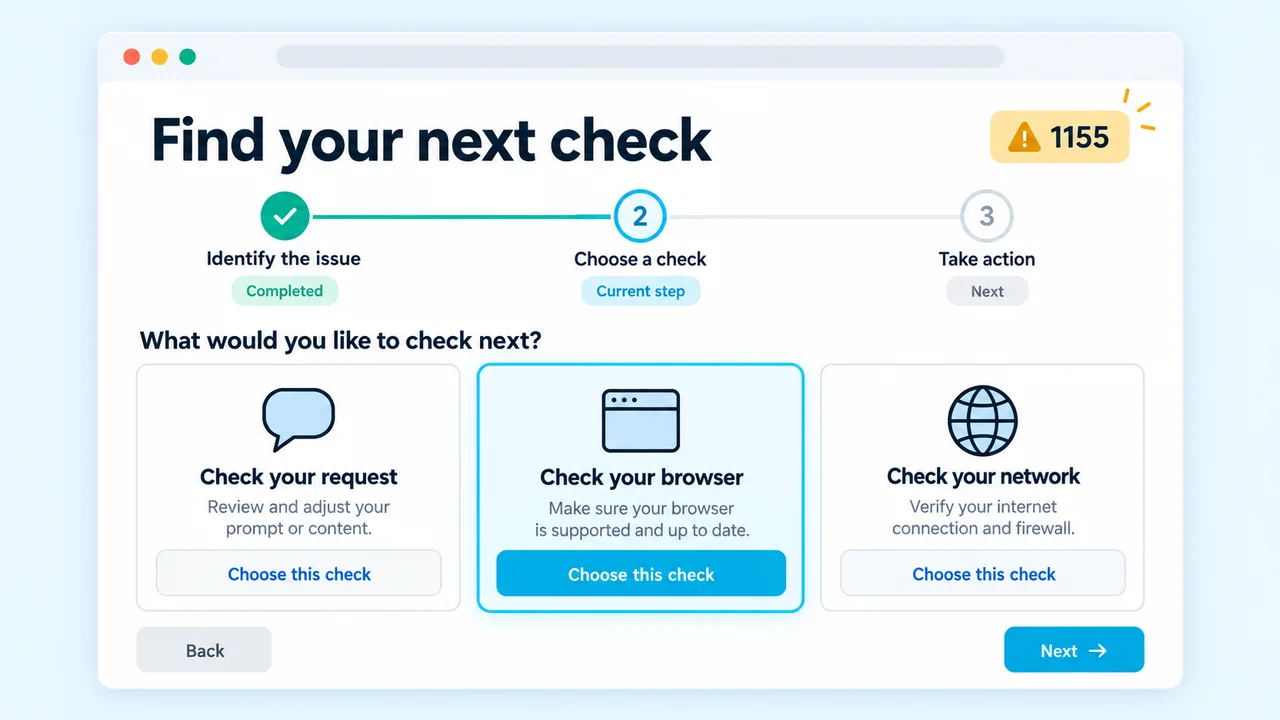
The Gemini Error Checker begins with the symptom. Save unsent work and test a short prompt in a new conversation before changing settings.
In the Gemini Error Checker, record browser, account and connection comparisons. Keep other variables the same and skip tests you cannot run.
Use the Gemini Error Checker attachment panel for upload problems. Review size warnings, enter media duration, then copy your report if you need further help.
Open the 1155 guideWhat the results can and cannot tell you.
Not necessarily. Gemini community reports describe different circumstances, including reports without a VPN. The Gemini Error Checker compares outcomes and does not treat an error number as proof of one cause.
No. It does not query Google’s internal service status or access your account. Failures across several comparisons leave a service issue possible, not confirmed.
The Gemini Error Checker reads file size and a small header in your browser. It flags common extension mismatches and compares sizes with the linked upload guidance. Media duration is entered by you; ZIP contents, quotas and upload acceptance are not verified.
The Gemini Error Checker saves only scenario and answer choices locally for up to seven days. Files, filenames and duration inputs are not saved. Start over clears stored answers; scenario links include none.
No. This Gemini Error Checker targets the consumer Gemini Apps upload workflow. API requests, Import Code and managed accounts can have different requirements. Follow the documentation for the product you use.
Save your work and stop repeating disruptive changes. The Gemini Error Checker report helps you record the tests you tried. Review recent reports and send feedback through Gemini if the issue persists.
Use the Gemini Error Checker to keep your work, test one difference at a time and save a useful record.
Independent guidance. No Google sign-in, API key or file upload required.