Pasted text and .json files
Paste JSON directly or upload a .json file when you need to inspect a payload, config file, export, or structured data block.
Browser-side JSON Checker
Paste JSON or upload a .json file to validate syntax, find errors, detect trailing commas and duplicate keys, and review the structure before uploading, submitting, or debugging your data.
Local JSON file checker
Use the JSON Checker before uploading JSON, debugging an API response, submitting a configuration file, or copying structured data. It validates syntax, flags trailing commas and duplicate keys, summarizes the structure, and keeps the file in your browser.
Your JSON stays in this browser tab. This JSON Checker does not upload pasted text or .json files.
Check status
Paste JSON or upload a .json file, then run the JSON Checker to see validity, issues, structure details, and output size.
Original
0
Output
0
Reduction
No reduction
The JSON Checker gives you a practical pre-submit pass: validate syntax, surface warnings, then return copy-ready JSON.
Paste structured data or upload a .json file when you need a JSON File Checker before an import, API test, CMS paste, or deployment config change.
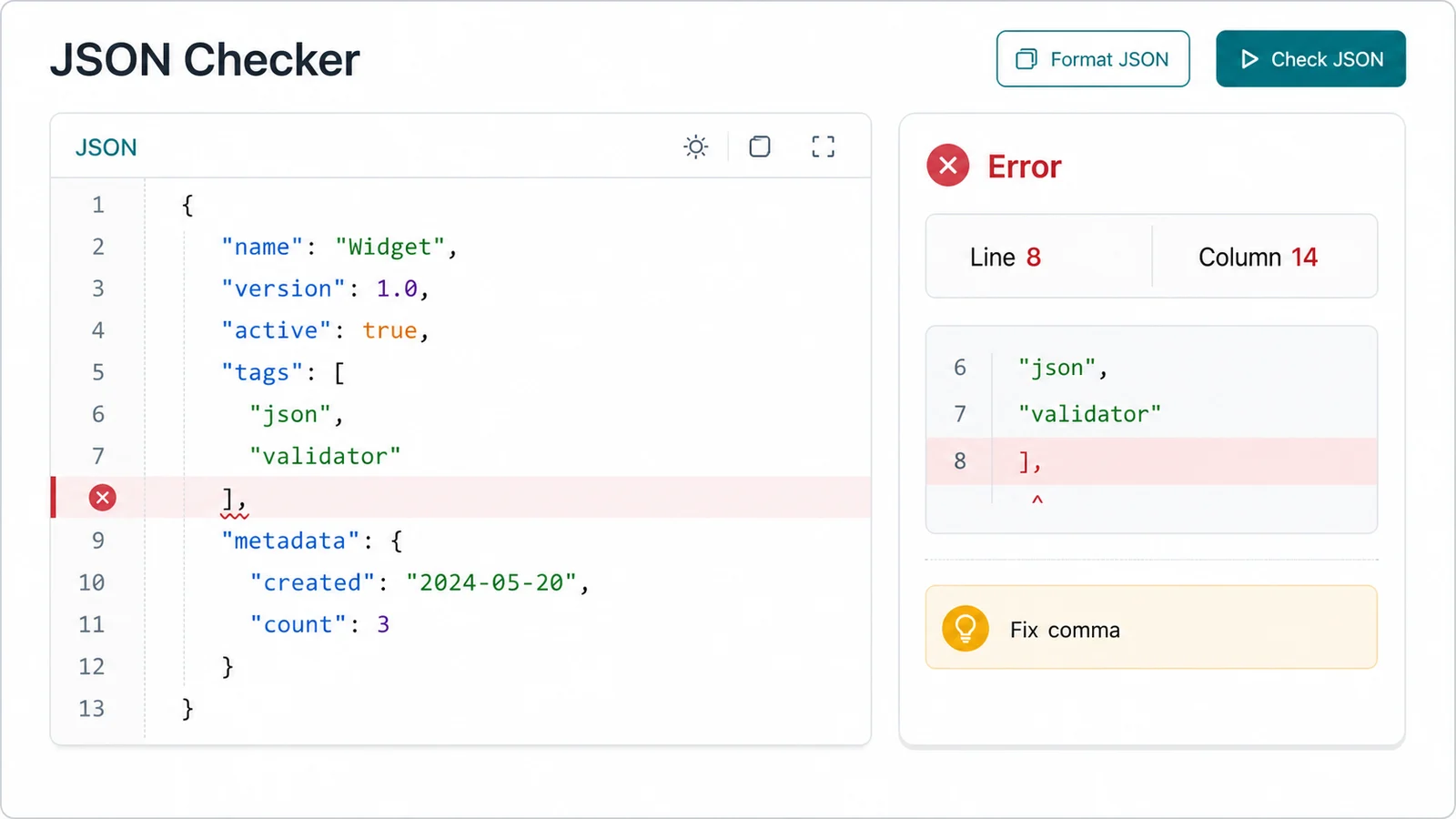
The JSON Syntax Checker reports parser errors with line and column details, flags trailing commas, and warns when duplicate keys may overwrite data.
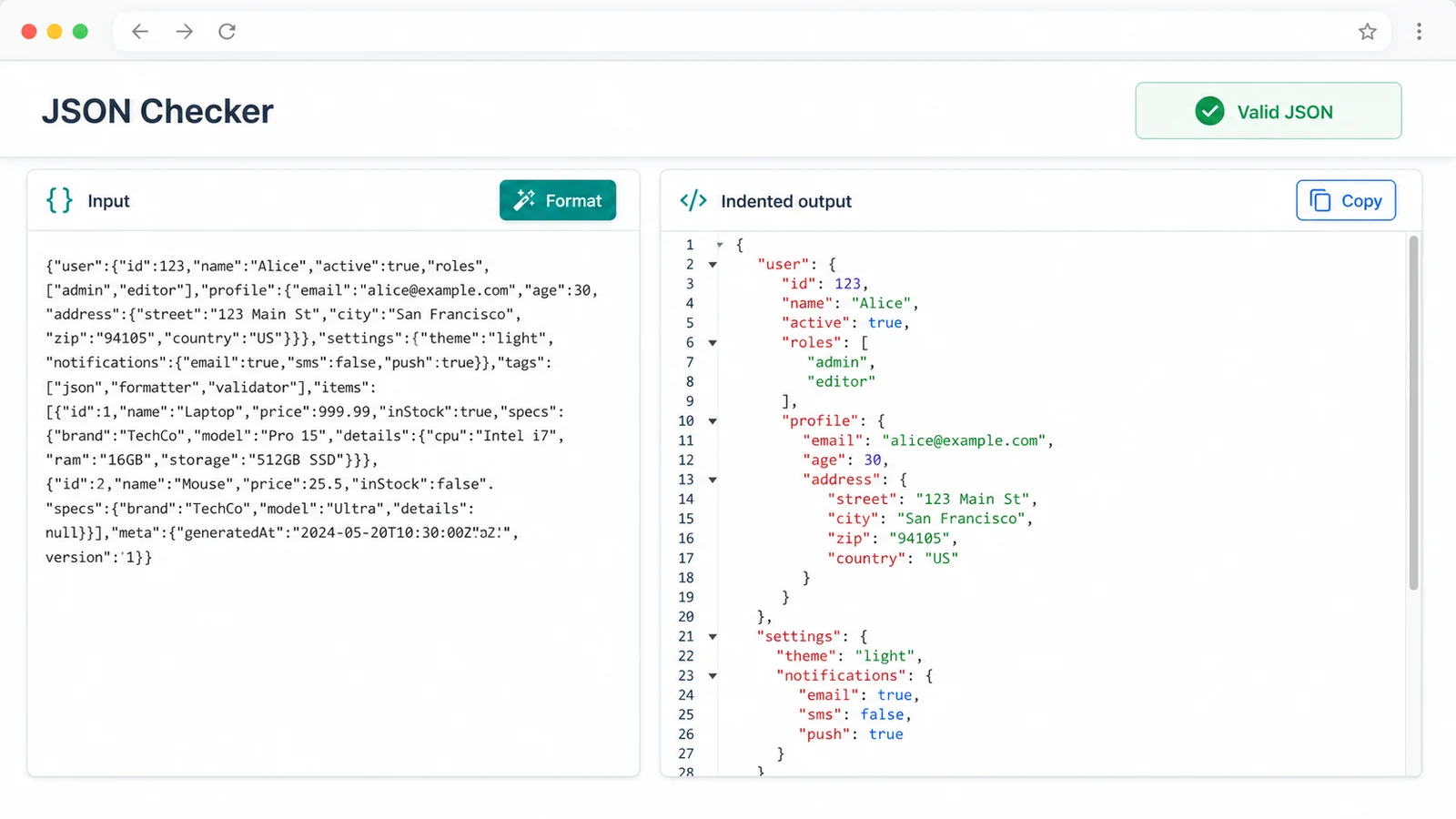
After validation, the JSON Checker shows root type, key counts, arrays, objects, max depth, file size, array length, and top-level keys before you copy or download.
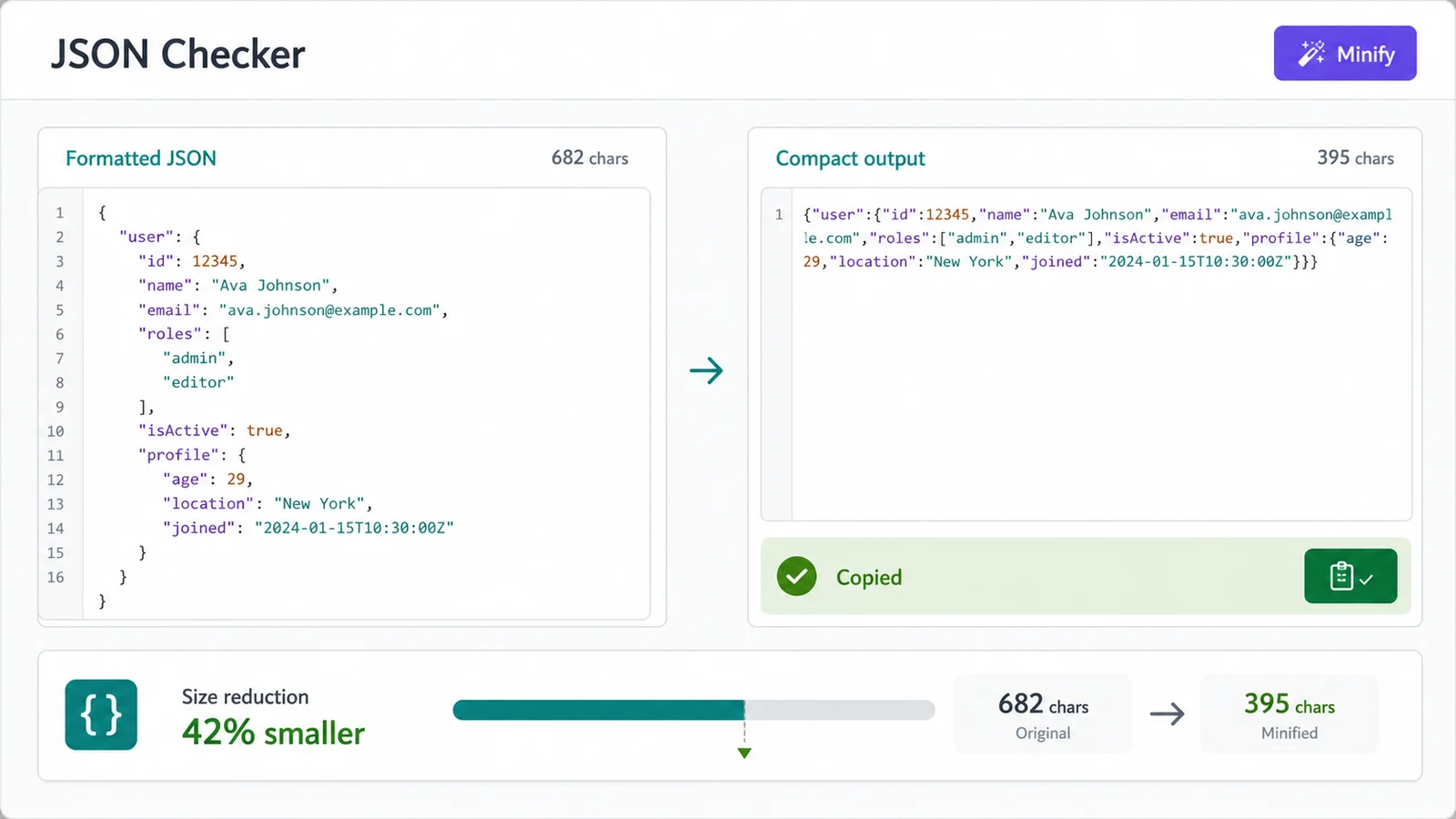
Use this JSON Validator, JSON Formatter, JSON Duplicate Key Checker, and JSON Trailing Comma Checker in one local browser workflow.
Paste JSON directly or upload a .json file when you need to inspect a payload, config file, export, or structured data block.
Confirm that the JSON can be parsed before it reaches a stricter API, database import, upload form, or build step.
Spot commas before a closing object or array bracket, a common reason JavaScript-like data fails as real JSON.
Detect repeated keys inside objects so you can avoid silent overwrites when JSON is parsed by common tools.
Review root type, total keys, objects, arrays, max depth, file size, root array length, and top-level keys.
Keep the JSON Formatter and minifier workflow, then copy the result or download a formatted JSON file.
This JSON Checker is for syntax, structure, duplicate key, trailing comma, and size checks. It does not replace JSON Schema or API-specific business rules.
Start with the exact JSON you plan to upload, submit, debug, or copy. The JSON Checker reads pasted text and uploaded files locally in your browser.
Check validity first. If the JSON is invalid, inspect the syntax error line and column, plus any trailing comma found by the local scanner.
Duplicate keys are reported as warnings because many parsers accept them but keep only the last value.
Check JSONWhen the JSON is valid, review the structure summary, format it for readability, minify it for transport, copy the result, or download the formatted JSON.
For API debugging, compare top-level keys and array length against the endpoint or configuration shape you expected.
Use resultAnswers about local processing, valid JSON, duplicate keys, trailing commas, file upload, and structure summaries.
The JSON Checker validates standard JSON syntax in your browser, reports parser errors with line and column details when available, detects trailing commas, warns about duplicate keys, and summarizes the parsed structure.
Yes. You can upload a .json file or paste JSON text. The file is read locally in the browser so you can check it before uploading, submitting a config, or debugging an API payload.
No. Validation, formatting, minifying, duplicate key checks, trailing comma checks, and structure summaries run locally in your browser tab.
JSON is stricter than a JavaScript object literal. A comma before a closing object or array bracket is not valid JSON, so the JSON Checker flags it as an error.
Many JSON parsers accept duplicate keys but keep only the last value for that key. The JSON Checker warns about duplicates so you can avoid accidental data loss.
No. This tool checks syntax, common JSON file issues, structure, file size, formatting, and minifying. It does not verify required fields, JSON Schema rules, or API-specific business logic.
Paste JSON or upload a .json file when you need to catch syntax errors, trailing commas, duplicate keys, empty roots, size issues, and unexpected structure.
Format for review, minify for transport, copy the result, or download formatted JSON without sending your data away from the browser.
JSON Checker for local validation, formatting, minifying, duplicate key checks, trailing comma checks, and structure review.