Length review
Check whether the password reaches common account and master-password length targets.
Local password strength and policy review
Password is checked locally in your browser. It is not uploaded. Paste or type a password into this Password Strength and Policy Checker to review length, common passwords, repeated characters, sequential digits, keyboard paths, dates, name patterns, weak symbol substitutions and over-reliance on special characters before you use it for an account or password manager vault.
Browser-only Password Strength and Policy Checker
This checker analyzes the password in this tab, scores likely strength, lists the main weak patterns and checks common policy expectations without sending the password to a server.
Password is checked locally in your browser. It is not uploaded.
This tool does not check whether a password has appeared in a breach. Breach checks require external databases or APIs and can raise privacy concerns.
Password results will appear here
Enter a password to see a local strength grade, main weaknesses, improvement suggestions and common policy fit. No breach database is queried.
Use this local review step for password length, weak patterns and common policy fit.
Start with the exact password you plan to use. The checker runs in your browser and does not upload the value.
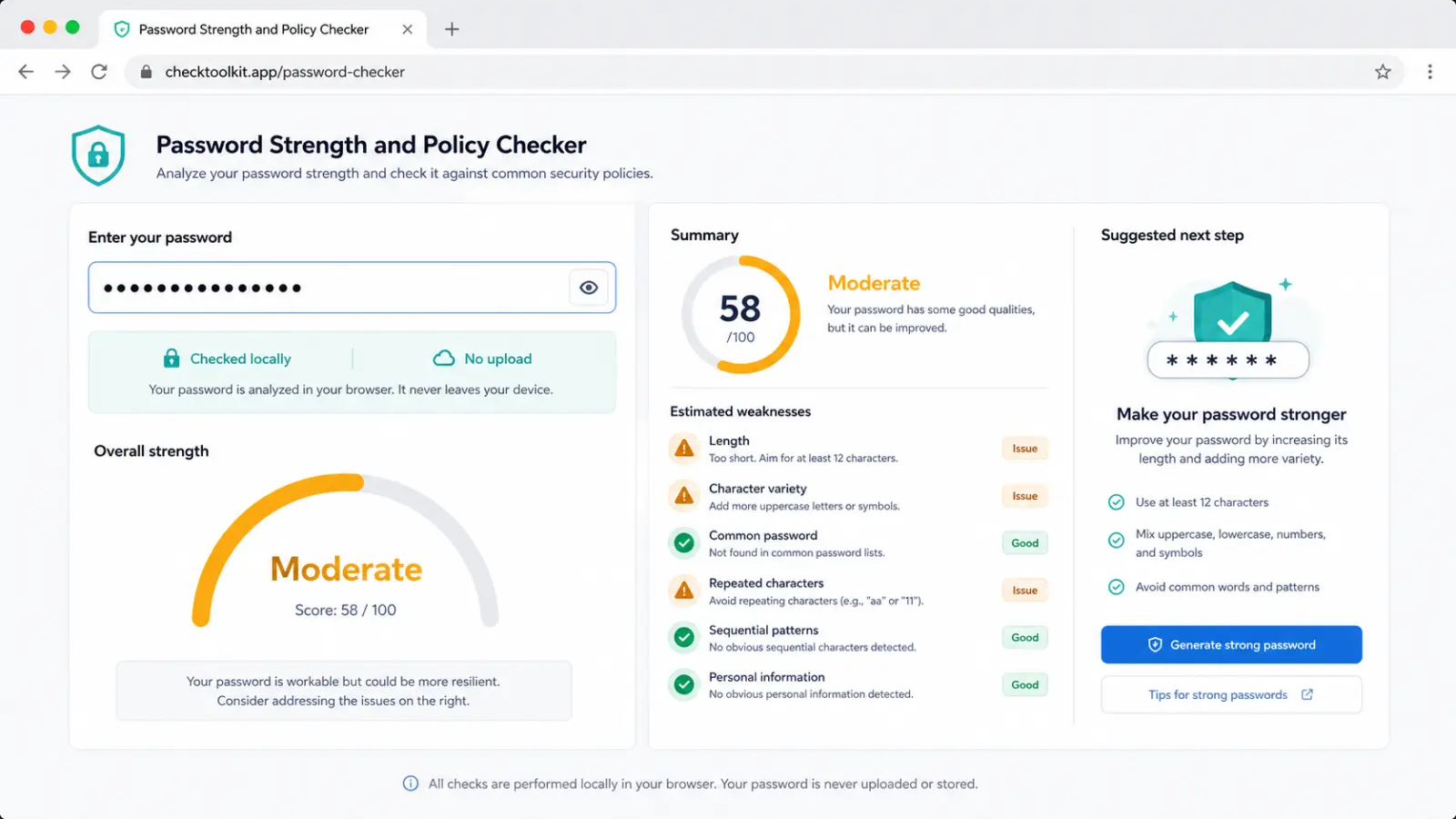
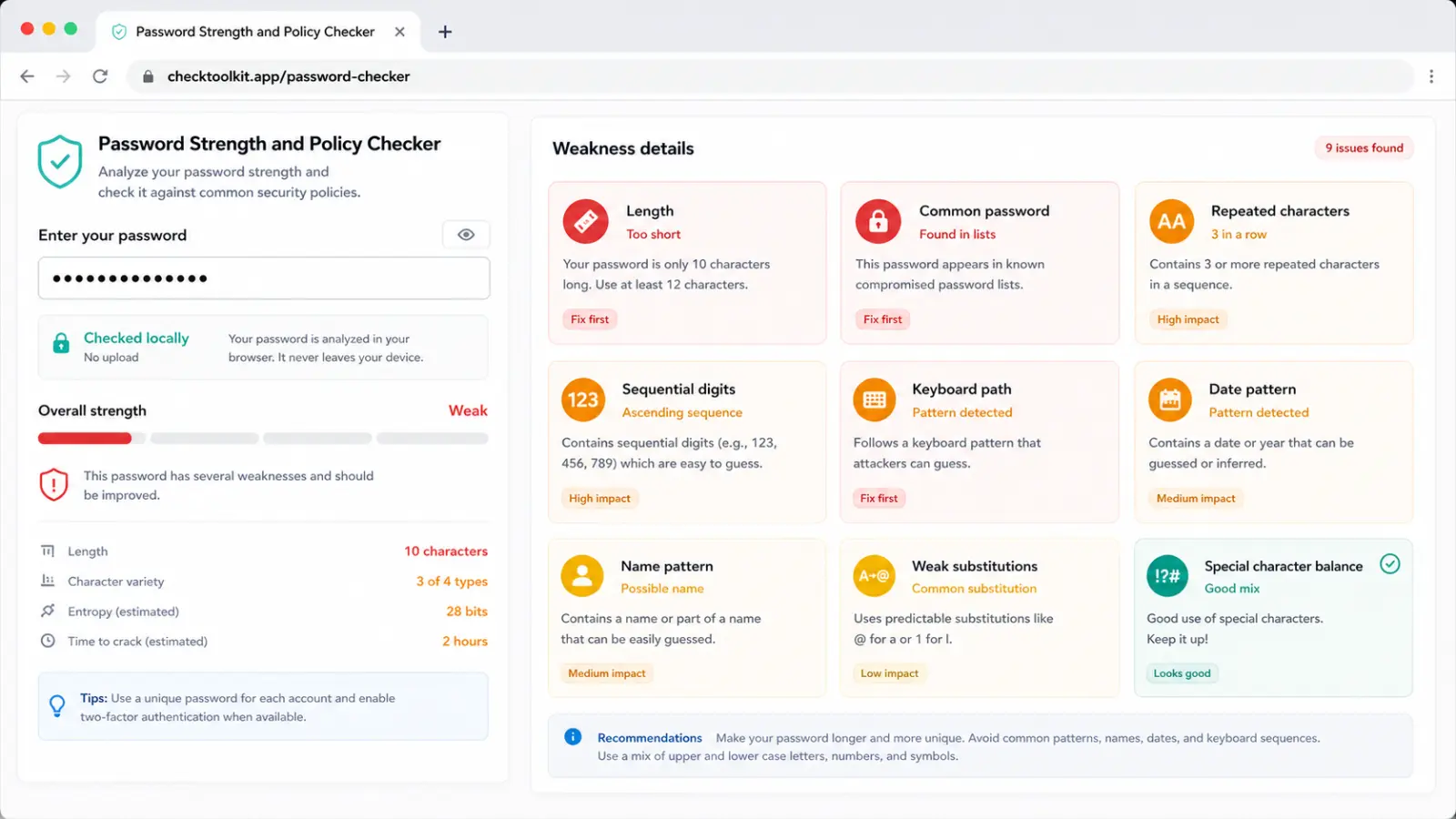
The report highlights length, common passwords, repeated characters, sequences, keyboard paths, dates, names, weak substitutions and symbol overuse.
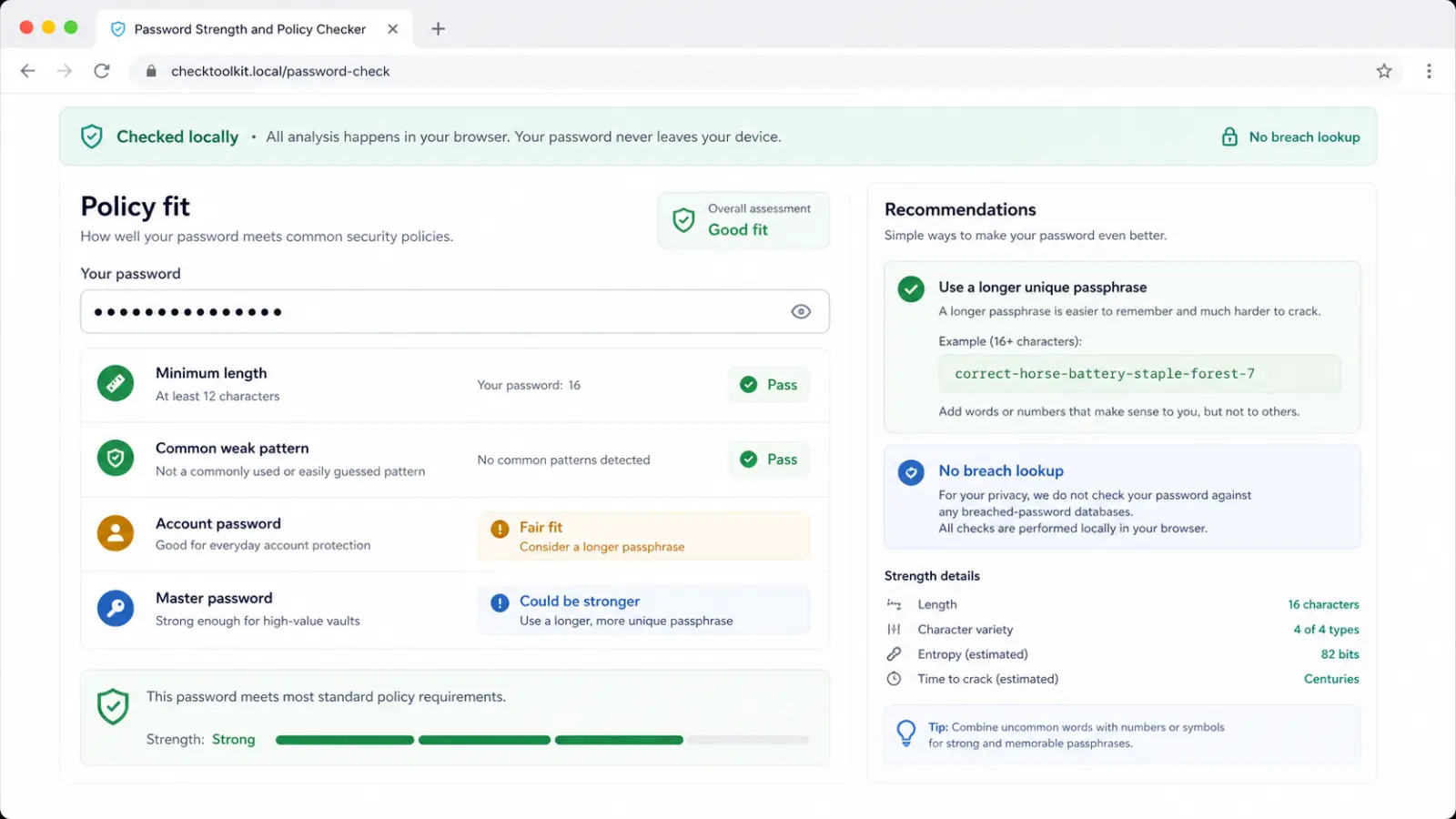
Compare the password with common policy expectations for minimum length, weak patterns, account password use and master password use without running a breach lookup.
This local tool combines strength scoring, weak-pattern review and practical policy guidance.
Check whether the password reaches common account and master-password length targets.
Find qwerty-style keyboard walks, ascending numbers and ordered letter chunks that make a password predictable.
Flag dates, years, common names and optional context words that may be easy to infer.
Catch simple swaps like @ for a or 0 for o when they disguise a common weak password poorly.
See whether the password is suitable for ordinary account use or should be stronger for a master password.
The checker stays local and does not check leaked-password datasets or APIs.
Use it before setting a new account password, updating an old password or choosing a master password.
Enter the password and, if useful, add a name, username, brand or personal word to the optional context field. The checker keeps the analysis in the current browser tab.
Look at the strength grade, weak patterns and policy fit. Fix high-impact issues first, especially common passwords, short length, keyboard paths and simple substitutions.
A longer unique passphrase is usually easier to remember and stronger than a short password packed with symbols.
Review reportUse the account and master password suitability checks as practical guidance. A password manager master password should be longer and more unique than a routine account password.
Answers about local privacy, accuracy, breach checking, policy interpretation and what to do when a password fails.
No. The analysis runs in your browser tab. The password is not uploaded, stored by CheckToolkit or sent to an external password database.
No. Breached-password detection requires an external database or API. This tool intentionally avoids that feature because the data changes often and password privacy matters.
The grade is an estimate based on length, character variety, local entropy heuristics and weak-pattern checks. It is useful for comparison, but it cannot prove that a password is impossible to guess.
It checks common policy expectations such as minimum length, obvious weak patterns and practical suitability for account passwords or master passwords. It does not certify compliance with a specific organization.
Those patterns are easier to guess from personal context, public information or common attack dictionaries. Replace them with unrelated words, a generated password or a longer unique passphrase.
Start by increasing length, removing common words and avoiding predictable sequences. For important accounts, use a unique password generated by a password manager or a long passphrase you do not reuse.
Run a local check when you create a new account password, update an old one or choose a password manager master password.
The checker gives you a practical report without uploading the password or querying breach databases.
Local password strength and policy analysis only.