Total page count
The report reads the total page count so you can confirm that the file is complete before submission.
Free PDF Page Size Checker
Upload a PDF to the PDF Page Size Checker before a school submission, visa document upload, contract send-off or print run. The browser-side report shows whether the PDF is A4 or Letter, lists every page size, flags landscape pages, finds mixed page sizes and warns when printing may crop content.
Browser-side PDF check
Drop in one PDF and the checker reads page boxes locally with PDF.js. It converts PDF points to millimeters, then compares each page with A4, Letter, Legal and A5 sizes.
Your PDF stays in this browser tab. This checker does not upload the file for analysis.
PDF page size results will appear here
Upload a PDF or try a sample to see total pages, page dimensions, paper type, portrait or landscape orientation, abnormal pages and print-risk guidance.
| Page | Dimensions | Paper type | Orientation | Status |
|---|
The checker turns hidden PDF page boxes into a readable report for school portals, visa packets, contracts, office printing and client handoffs.
Start with a local PDF upload. The checker reads page count and dimensions in the browser, then compares each page against A4, Letter, Legal and A5.
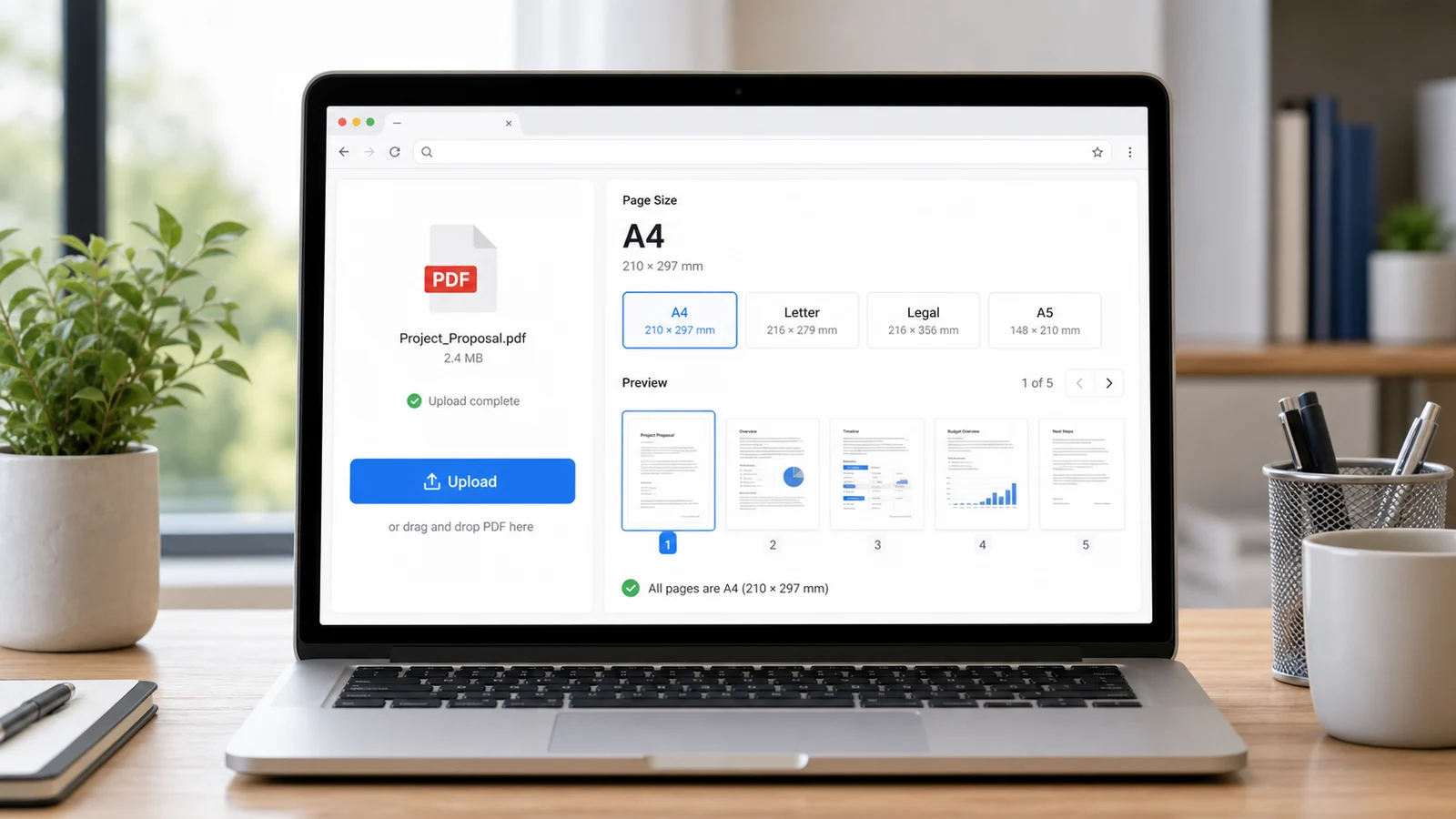
Review total pages, every page dimension, recognized paper type, orientation and status so you know whether the PDF is A4, Letter, Legal, A5 or custom.
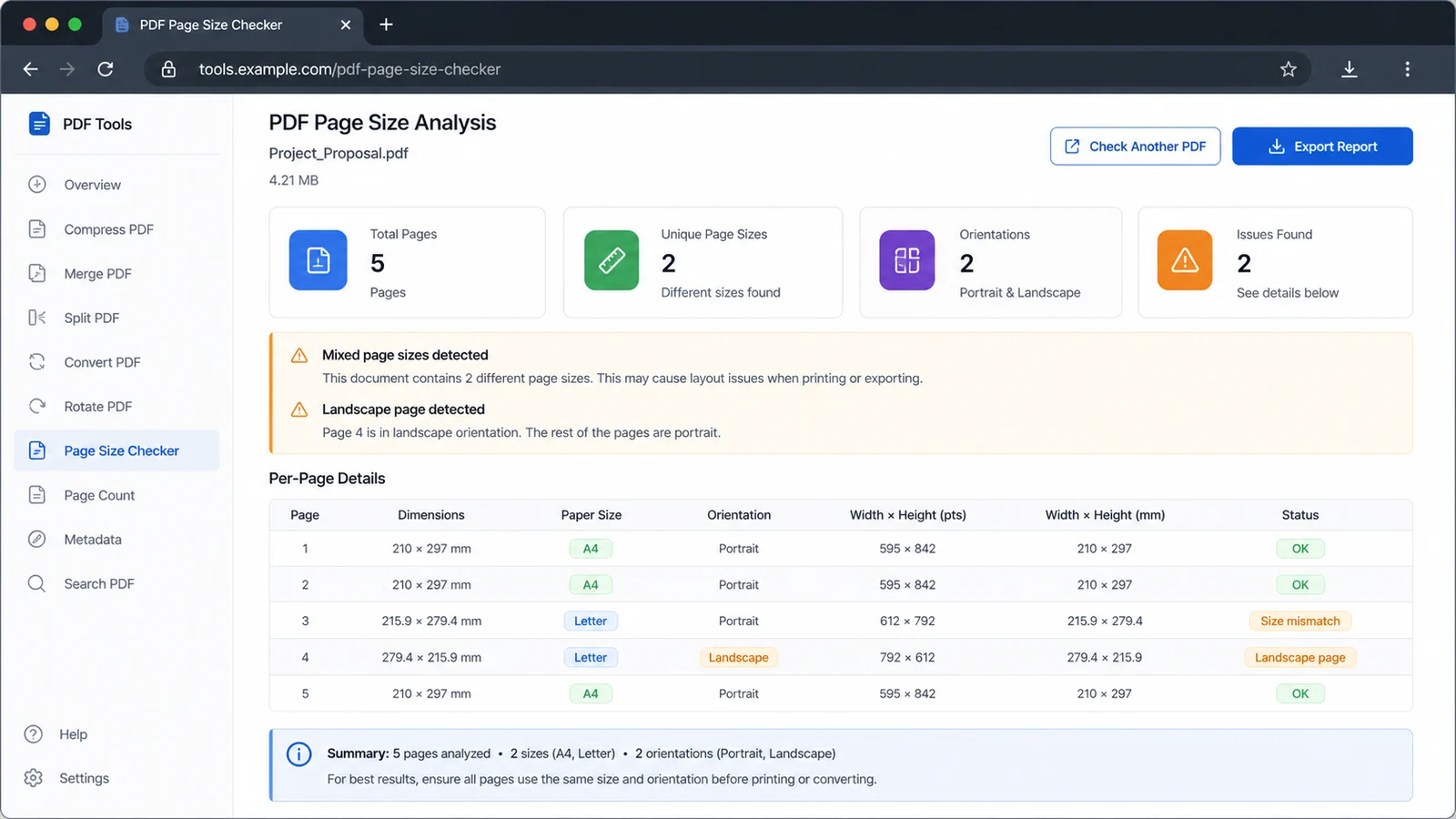
Use this check before school submission, visa upload, contract signing or office printing to catch mixed sizes, horizontal pages and crop risk early.
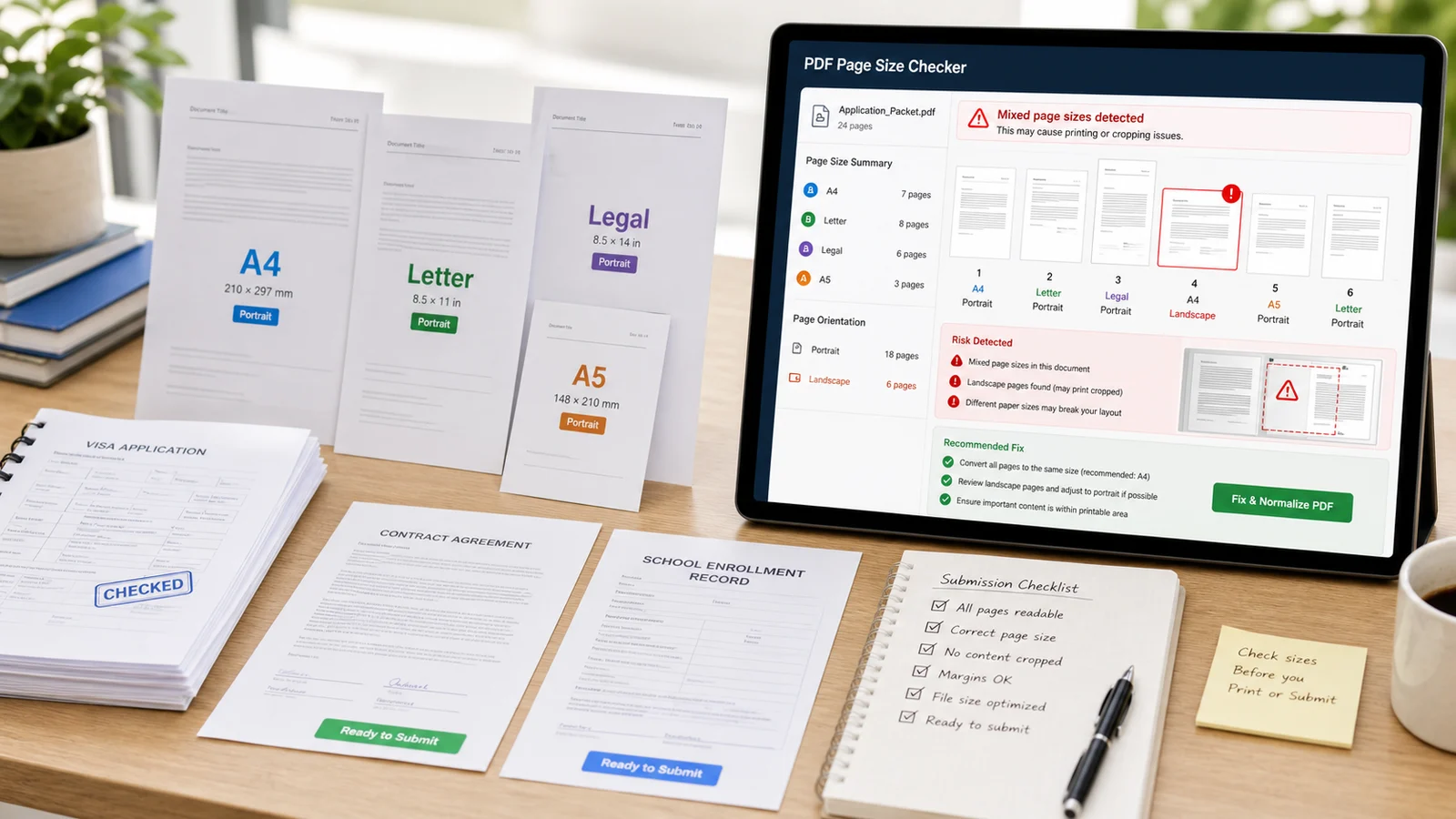
Use this checker when a PDF looks normal on screen but might fail a portal rule, print on the wrong tray or crop when someone prints without checking page size.
The report reads the total page count so you can confirm that the file is complete before submission.
See every page in millimeters and catch pages that were pasted, scanned or exported at a different size.
The report flags horizontal pages so you can decide whether they are intentional before printing or uploading.
Compare each page with common A4, Letter, Legal and A5 sizes using a practical tolerance for PDF export rounding.
The report highlights documents with multiple sizes, a frequent cause of tray changes, scaling and crop surprises.
Copy a concise report with abnormal pages and practical next steps for print, school, visa and contract workflows.
This browser-side preflight does not change your PDF, but it helps you decide whether to re-export, normalize page sizes or confirm official submission instructions.
Choose the PDF you plan to print or submit. The checker reads page boxes locally and converts PDF points into millimeters for a practical page-size report.
Check whether the PDF is mainly A4, Letter, Legal, A5 or custom. A single paper type is usually simpler for portals and office printers.
The checker treats A4 as 210 x 297 mm, A5 as 148 x 210 mm, Letter as 8.5 x 11 inches and Legal as 8.5 x 14 inches.
Review summaryIf the report shows mixed sizes, landscape pages or custom pages, re-export the source file, print with the correct tray, or use a PDF editor to normalize pages when the destination requires it.
Adobe Acrobat includes a print option to choose paper source by PDF page size for mixed-size documents, but many school and upload workflows still prefer one consistent page size.
Review warningsAnswers about privacy, accuracy, paper-size standards, PDF.js processing, print risk and what to do when the checker flags a document.
The tool reads page dimensions from the PDF page boxes exposed by PDF.js and converts points to millimeters. It is accurate for practical preflight, but final acceptance still depends on the school, printer, visa center, client or platform requirement.
No. The tool runs in your browser tab and does not upload the PDF for analysis. The page loads the PDF.js library, then reads the selected file locally.
Yes. It compares each page with common page sizes including A4, Letter, Legal and A5. If a file mixes A4 and Letter pages, the report calls that out because it can affect printing and submission.
A mixed-size PDF may require multiple paper trays or scaling. Adobe Acrobat documents a print workflow for PDFs containing different page sizes, which is a clue that mixed sizes need deliberate handling rather than blind printing.
Confirm that the destination accepts horizontal pages. If the landscape page is accidental, rotate or re-export the source document before you upload or print the final PDF.
No. It helps catch common page-size problems before submission, but official requirements from a school, agency, printer, employer or platform are still the final rule.
Use the PDF Page Size Checker to confirm total pages, A4 or Letter status, every page dimension, orientation and mixed-size risk before you submit or print.
Fix warnings early, recheck the final PDF, then send school files, visa packets, contracts and print jobs with fewer surprises.
Free PDF Page Size Checker for A4, Letter, Legal, A5, landscape pages and mixed-size PDFs.