JSON-LD parse status
Confirm whether JSON-LD blocks are parseable, then move beyond syntax into schema type and field checks.
Free Schema Markup Checker
Paste JSON-LD, Microdata snippets or full HTML into the Schema Markup Checker to identify common Article, Product, FAQPage, BreadcrumbList, Organization, LocalBusiness, WebSite and WebPage markup issues. The tool focuses on practical SEO structured data checks, not general JSON formatting.
Browser-side structured data audit
The Schema Markup Checker parses JSON-LD scripts, raw JSON-LD and Microdata locally, then reports detected schema types, missing fields, incomplete FAQ markup, breadcrumb hierarchy warnings and duplicate schema patterns.
Your pasted markup stays in this browser tab. The Schema Markup Checker does not upload code or fetch the live URL.
Structured data results will appear here
Paste JSON-LD, Microdata or HTML to see detected schema types, JSON-LD parse status, missing common fields and review warnings for structured data quality.
Fail
0
Warning
0
Pass
0
This checker focuses on what pasted source can show reliably: parseable JSON-LD, Microdata types, common schema fields, duplicate entities and practical SEO markup warnings.
Paste raw JSON-LD, script blocks, Microdata snippets or a full HTML document. The checker extracts schema nodes locally and identifies common types such as Article, Product, FAQPage and BreadcrumbList.
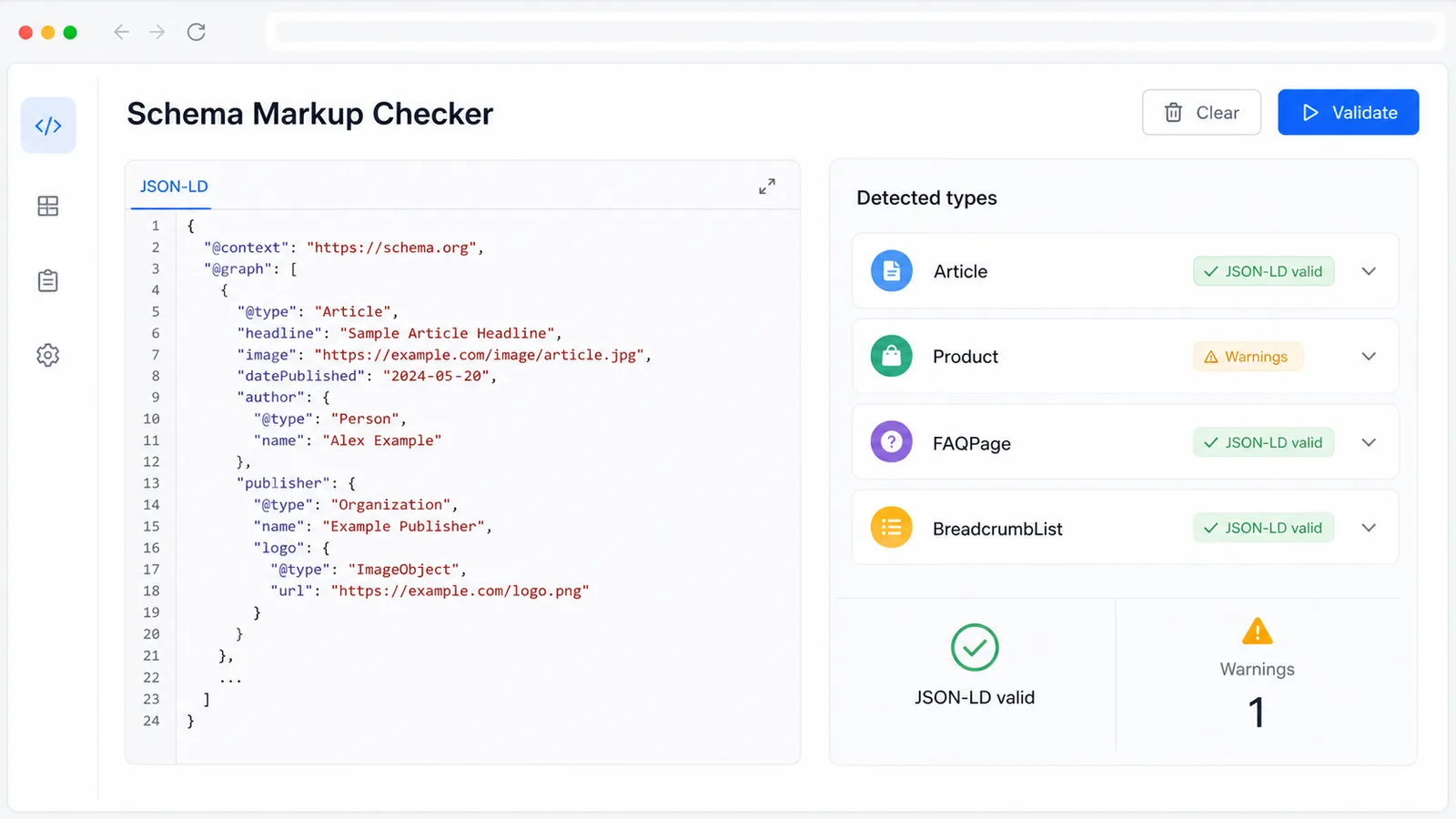
The report flags missing @context, @type, name, url, image, author, datePublished and itemListElement fields, plus empty values, duplicate schema, URL format warnings and incomplete FAQ data.
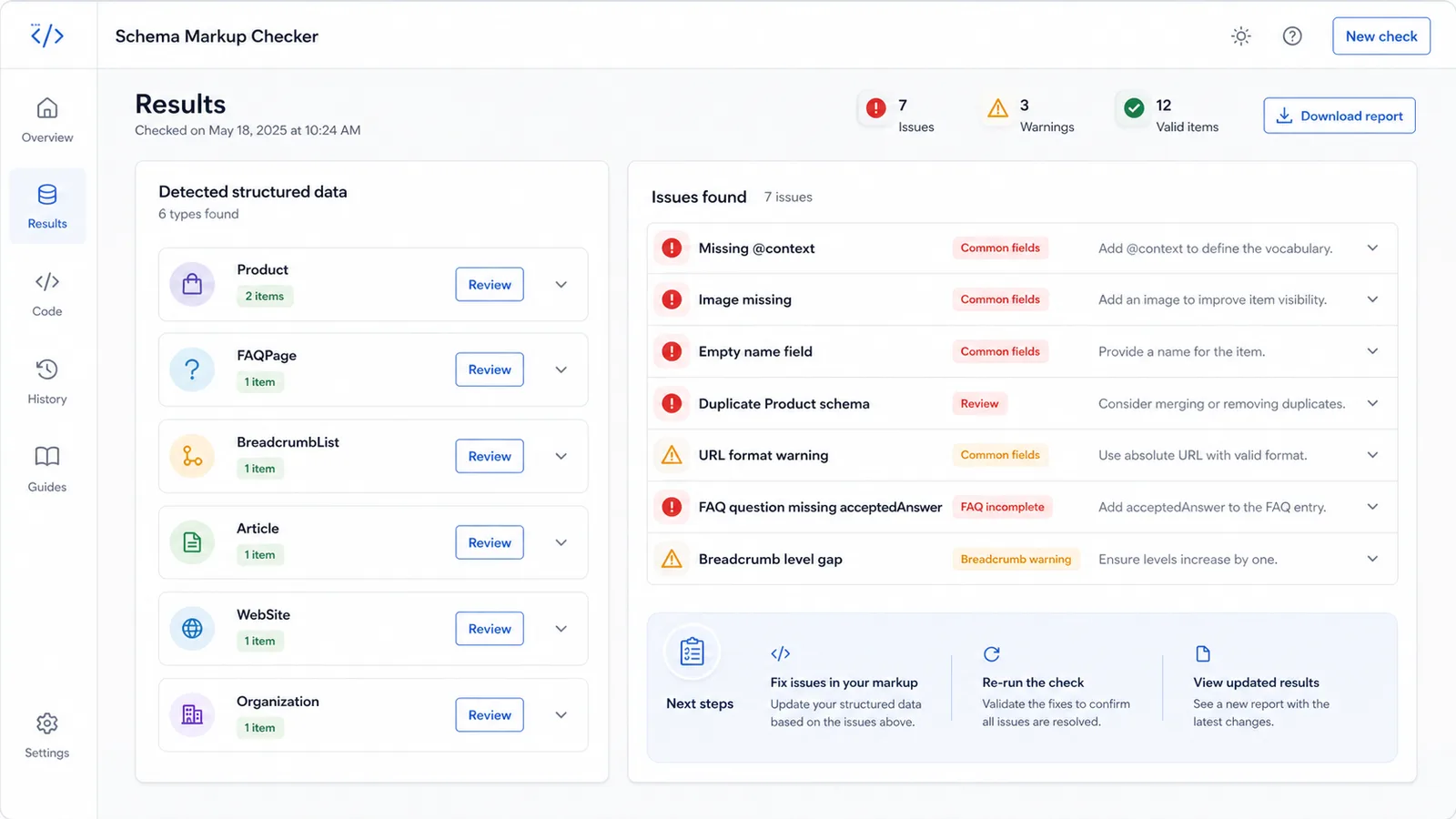
Use the checker before publishing, after CMS template edits or when rich structured data looks inconsistent. Fix the markup, paste it again and compare the updated report.
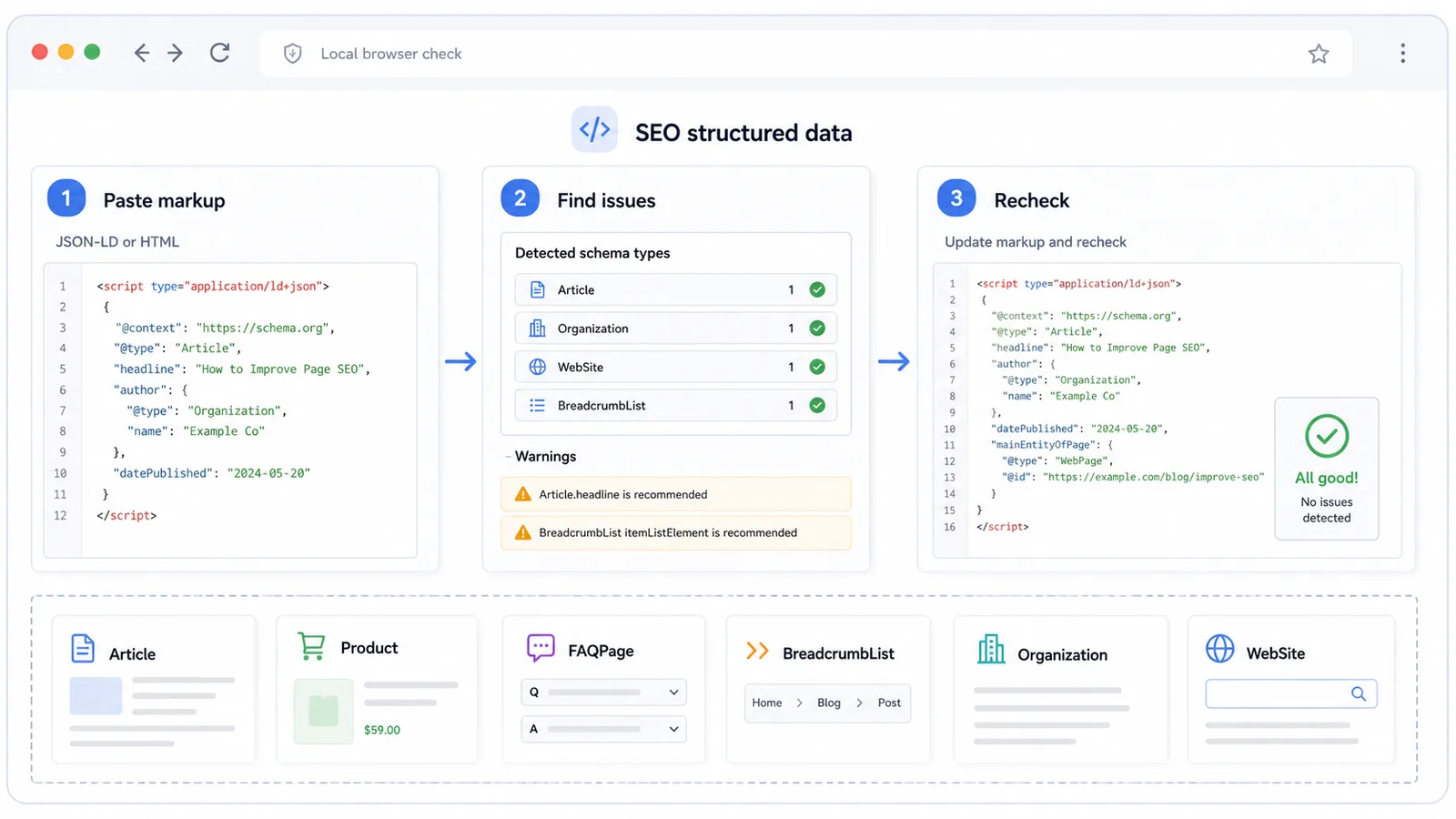
Use this tool when the markup already parses as JSON but still needs an SEO-focused review for schema quality and common publishing mistakes.
Confirm whether JSON-LD blocks are parseable, then move beyond syntax into schema type and field checks.
Identify Article, BlogPosting, Product, FAQPage, BreadcrumbList, Organization, LocalBusiness, WebSite and WebPage items.
Review missing or empty @context, @type, name, url, image, author, datePublished and itemListElement values.
Find schema items that appear to describe the same URL or name so templates do not publish conflicting entities.
Spot incomplete FAQ question and answer structures, plus BreadcrumbList items with missing names, URLs or skipped positions.
Flag relative or malformed URL-like values and missing image fields that commonly weaken structured data quality.
This tool is built for pasted markup from templates, CMS previews and rendered source, so private staging code can be reviewed without a server-side crawl.
Copy raw JSON-LD, the script block from page source, a Microdata snippet or the full rendered HTML document. Full HTML lets the checker compare JSON-LD and Microdata in one pass.
Start with JSON-LD parse errors and missing @type, then review missing common fields, empty values, duplicate schema, URL format warnings, FAQ structure and breadcrumb hierarchy.
This is a practical browser-side review. Search engines can apply additional eligibility, content and policy rules beyond what pasted source can prove.
Review reportUpdate your template or CMS fields, paste the latest rendered markup back into the tool, and confirm that common structured data issues are resolved before official testing or publishing.
Keep structured data consistent with visible page content; mismatched or hidden content can create quality issues even when syntax is valid.
Recheck schemaAnswers about accepted input, privacy, JSON Checker differences, accuracy limits and how to interpret the results.
It parses pasted JSON-LD, Microdata and HTML, identifies common schema types and reports practical structured data issues such as missing fields, empty values, duplicate schema, incomplete FAQPage data, BreadcrumbList hierarchy warnings, URL format problems and missing image fields.
The JSON Checker focuses on JSON syntax, formatting, minifying, duplicate keys and trailing commas. This tool focuses on SEO structured data quality after or alongside syntax parsing, including schema types, @context, @type, name, url, image, author, datePublished and itemListElement checks.
No. It helps you find common structured data issues before official testing, but it is not an official Google validator and does not guarantee rich result eligibility.
No. The current tool checks pasted source in your browser tab. It does not fetch your URL, upload staging code or store the markup you paste.
Paste raw JSON-LD, a script type="application/ld+json" block, Microdata markup or full rendered HTML. Full HTML is helpful when a page mixes JSON-LD and Microdata.
Warnings usually mean the markup is parseable but worth reviewing. Check whether the missing field applies to that schema type, use absolute URLs where possible, fill empty fields, remove duplicates and keep FAQ and breadcrumb structures complete.
Paste the latest rendered markup, fix parse errors and review warnings, then run the checker again before official validation or publishing.
This is a practical preflight for common structured data issues, not a guarantee of search feature eligibility.