Exact UUID dot color
Reproduces the Java Edition calculation that turns a player UUID into a Locator Bar dot color, matching what you see in-game.
Minecraft Java Edition tool
Minecraft's Locator Bar (Java 1.21.6+) gives every player a colored dot. The color is derived from the player UUID, so it is fixed and predictable. Paste a UUID or an offline-server username and this checker reproduces the exact locator bar color, hex code and RGB in your browser — no login, no server, nothing uploaded.
Locator bar color finder
Enter a full Minecraft UUID to get its automatic Locator Bar color. Or switch to username mode to compute the name-based UUID that offline and cracked servers use, then its color.
Username mode uses the offline (name-based) UUID from OfflinePlayer:name, which matches offline, LAN and cracked servers. Premium (online-mode) accounts have a Mojang-assigned UUID that is not derived from the name — paste that UUID instead. You can find it on NameMC or in the server usercache.json.
Everything runs locally in your browser. UUIDs and usernames are never uploaded and no account or Mojang API is called.
Your locator bar color will appear here
Paste a UUID or an offline username and run the check to see the dot color, hex, RGB, the normalized UUID and the Java UUID hash used to derive it.
Locator bar dot color
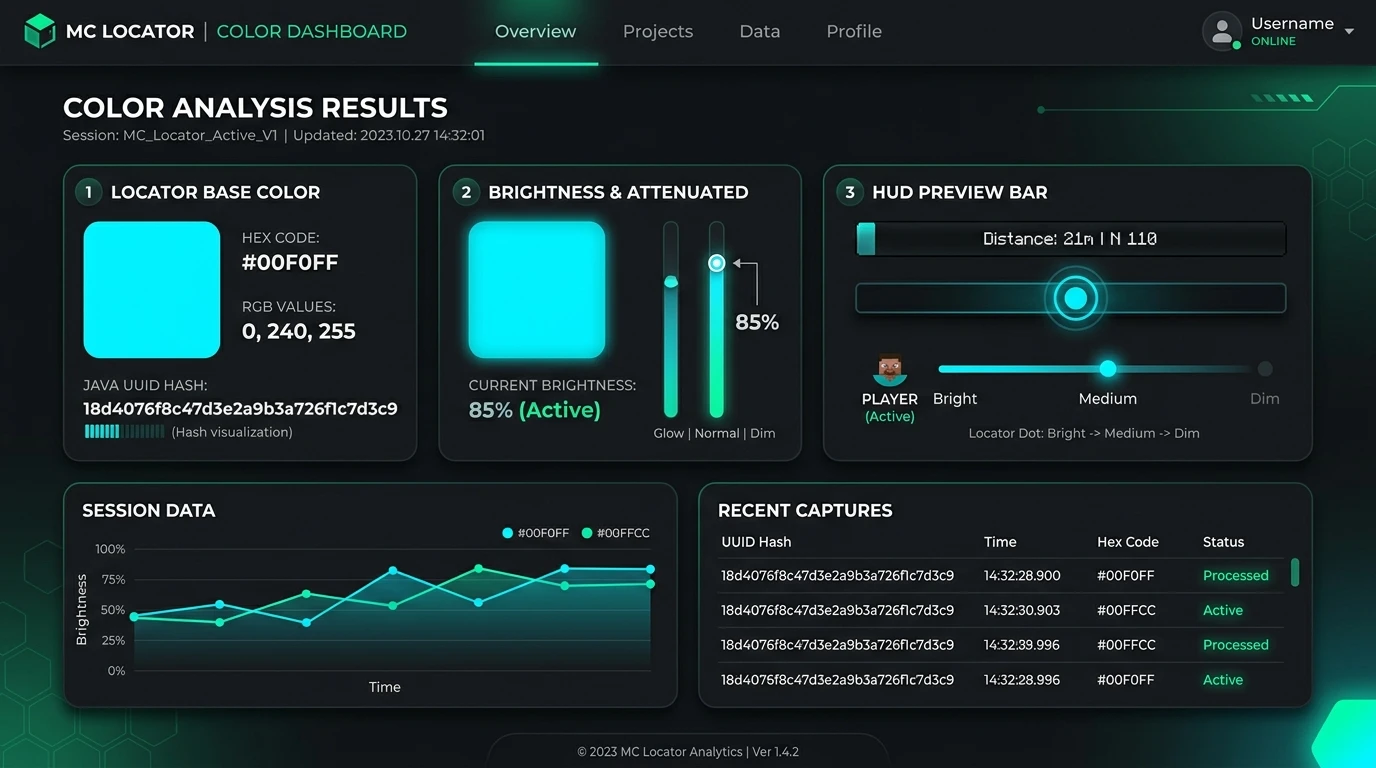
This is the on-screen dot color: the low 24 bits of the UUID hash with the client's 0.9 brightness shade applied.
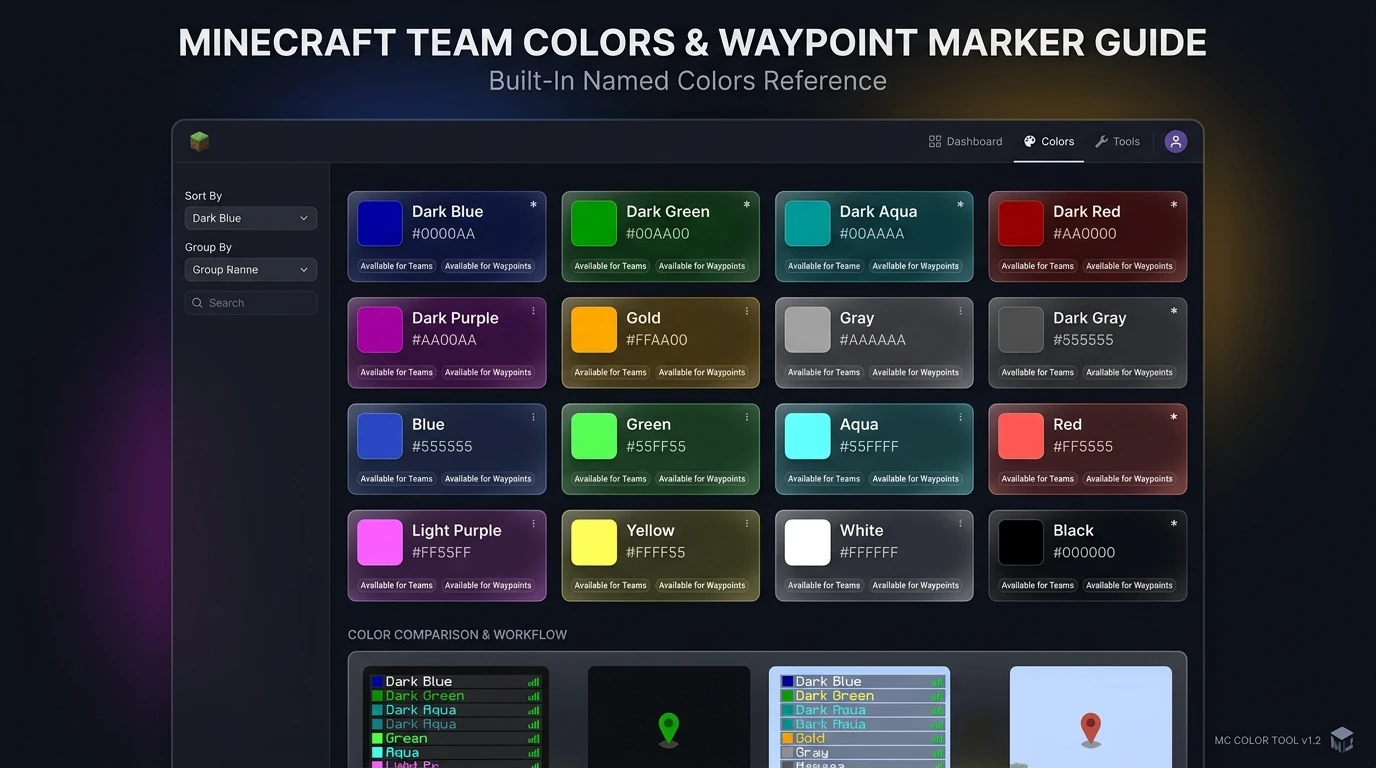
The 16 built-in colors used by scoreboard teams and named /waypoint colors. A team color or an explicit waypoint color overrides the automatic UUID color. Click any swatch to copy its hex.
The locator bar color is not random — it is calculated from the player UUID. This checker reproduces that calculation locally so you can preview a dot color before you join a world.
Paste any full Minecraft UUID (dashed or not), or switch to username mode to compute the offline name-based UUID that LAN and cracked servers assign. The tool normalizes and validates the input for you.
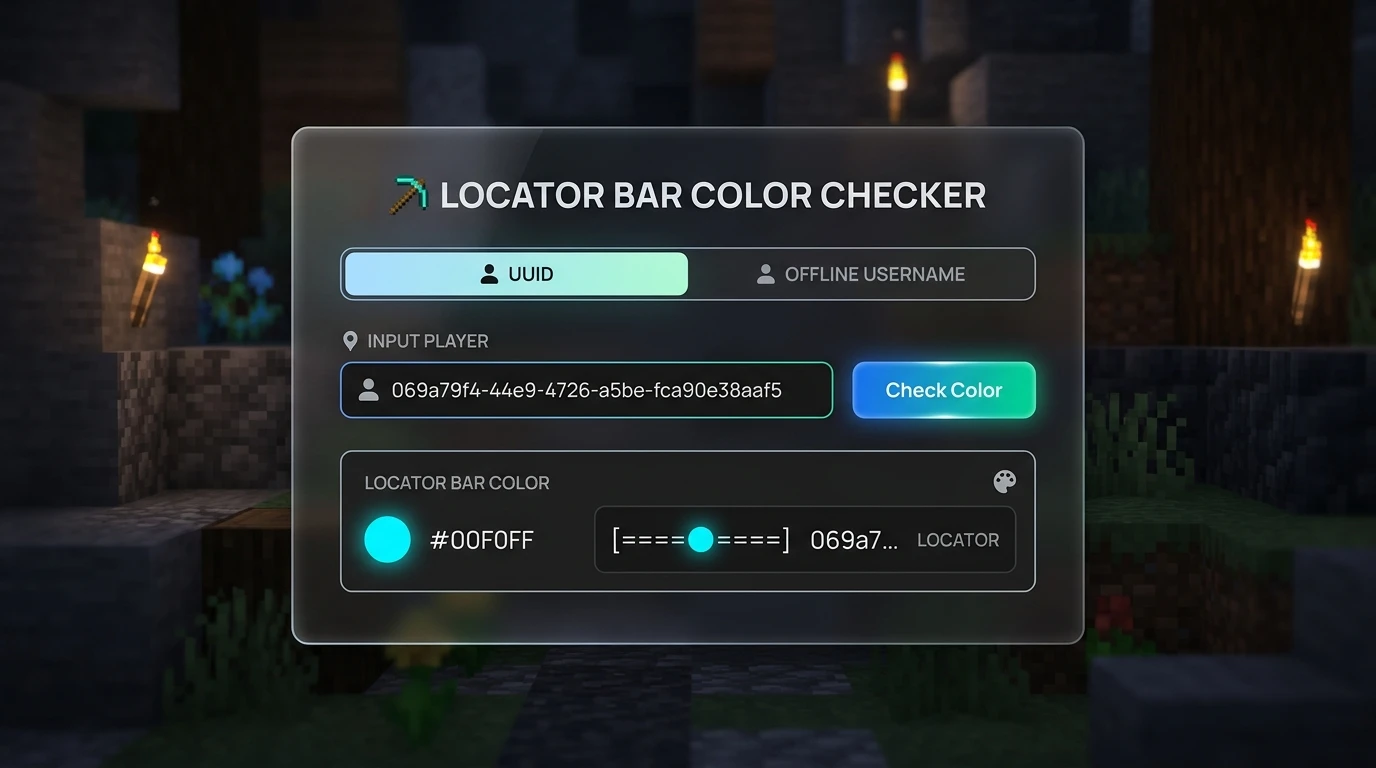
The checker computes the Java UUID hash, takes the low red, green and blue bytes and applies the 1.21.6 renderer's 0.9 brightness shade, so you get the true on-screen locator bar color plus the base color before shading.
A scoreboard team color or an explicit /waypoint color overrides the automatic UUID color. Use the built-in reference of the 16 named Minecraft colors to plan readable markers for your server or map.
Everything a Java Edition player, server admin or map maker needs to predict and plan locator bar marker colors.
Reproduces the Java Edition calculation that turns a player UUID into a Locator Bar dot color, matching what you see in-game.
Copy the dot color as a hex code or RGB values for wikis, videos, overlays, resource packs or documentation.
Computes the name-based offline UUID (OfflinePlayer:name) that LAN and cracked servers use, then its locator bar color.
See the 16 built-in Minecraft colors with hex codes for scoreboard team markers and named /waypoint colors.
Understand how explicit waypoint colors, team colors and automatic UUID colors combine so you can pick the right marker.
UUIDs and usernames stay in your browser. No Mojang API, no account and no server request is made.
Get the dot color for your own account or any player in three steps.
For premium (online-mode) accounts, use UUID mode and paste the Mojang UUID. For offline, LAN or cracked servers, username mode is enough because those UUIDs come from the name.
Enter the UUID (with or without dashes) or the username, then run the check. The tool validates the input and shows the exact locator bar dot color instantly.
The calculation is deterministic, so the same input always returns the same color — you can rely on it for planning.
Check colorCopy the hex or RGB for your own use, or compare against the named color reference to decide whether to set a team color or an explicit /waypoint color instead of the automatic one.
Common questions about how locator bar dot colors are assigned and checked.
In Java Edition, a player's default locator bar dot color is derived from their UUID. The client computes the Java UUID hash, uses the low red, green and blue bytes of that hash as the color, and applies a 0.9 brightness shade when drawing the marker. Because it is based on the UUID, the color is fixed and deterministic.
Only for offline, LAN and cracked servers, which build the UUID from the name (OfflinePlayer:name). This tool computes that offline UUID locally. Premium online-mode accounts use a Mojang-assigned UUID that cannot be derived from the name, so paste the UUID instead — you can find it on NameMC or in the server usercache.json.
The Locator Bar was added to Java Edition in 1.21.6 (the Chase the Skies drop) and to Bedrock Edition in 1.21.90. Earlier versions do not have it.
You cannot change the automatic UUID color yourself, but a server can override it. A scoreboard team color replaces the automatic color for team members, and an explicit /waypoint color set by an operator takes top priority. The 16 named colors in the reference show your team and waypoint options.
The dot is drawn with the client's 0.9 brightness shade, so it is a little darker than the raw UUID color. This tool shows both the shaded in-game dot color and the base color before shading, so you can compare them.
No. The whole calculation runs in your browser using JavaScript. No UUID or username is sent to a server, and no Mojang or third-party API is called.
Paste a UUID or an offline username, get the exact dot color with hex and RGB, and plan readable markers for your server or map.
Runs locally in your browser. No login, no Mojang API, nothing uploaded.